

TV Stands
TV stands at Valuhub Canada hold your TV, media gear and living room storage in one tidy unit. The range covers entertainment centers, LED consoles, fireplace style stands and floating cabinets. Most suit TVs from 29 to 90 inches, in white, brown, black or natural wood.


Industrial TV Stand, TV Console Table for TV up to 45'' Flat Screen, Entertainment Center for Living Room, Bedroom, Rustic Brown

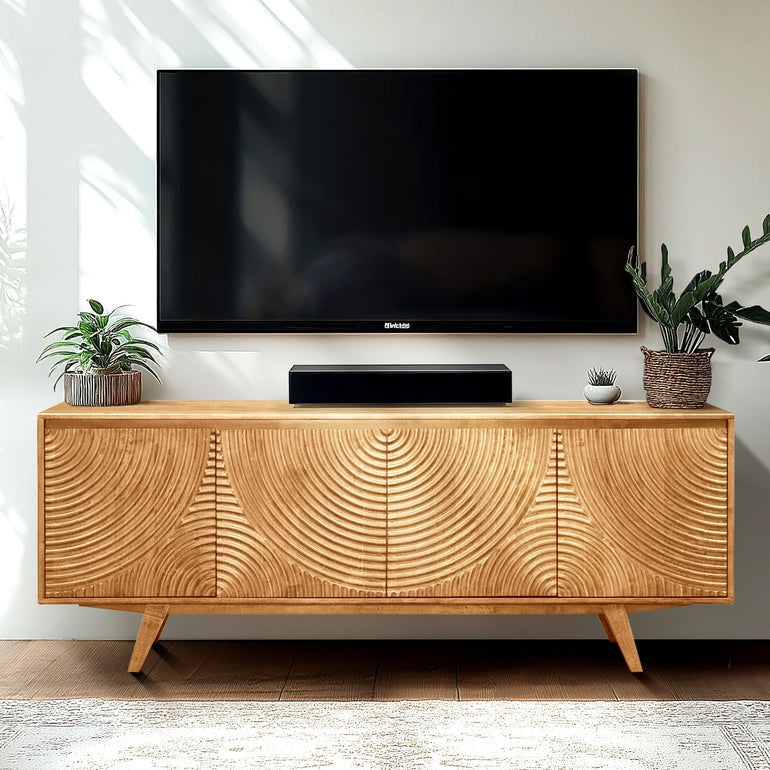


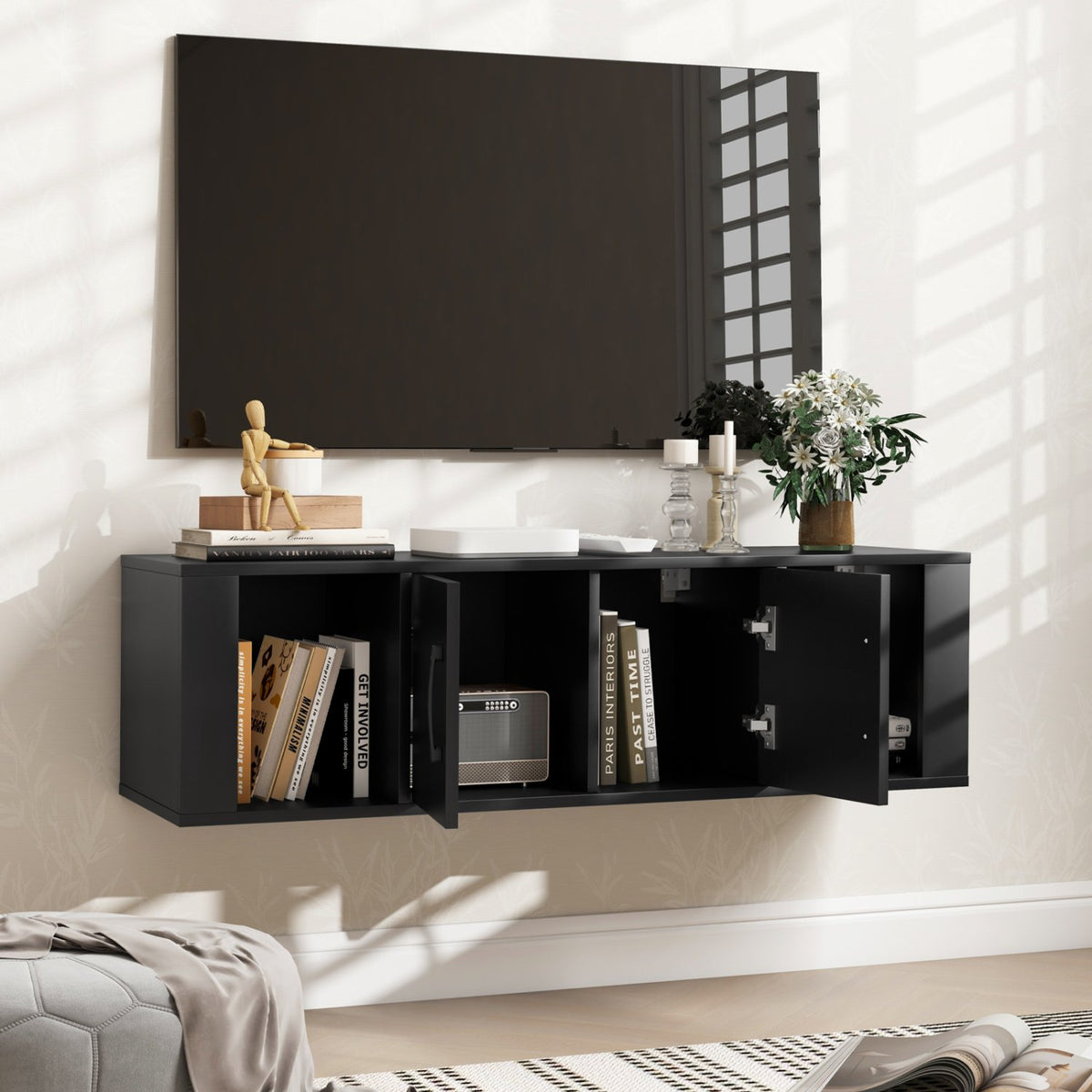
Wall Mounted Floating 2 Door Desk Hutch Storage Shelves

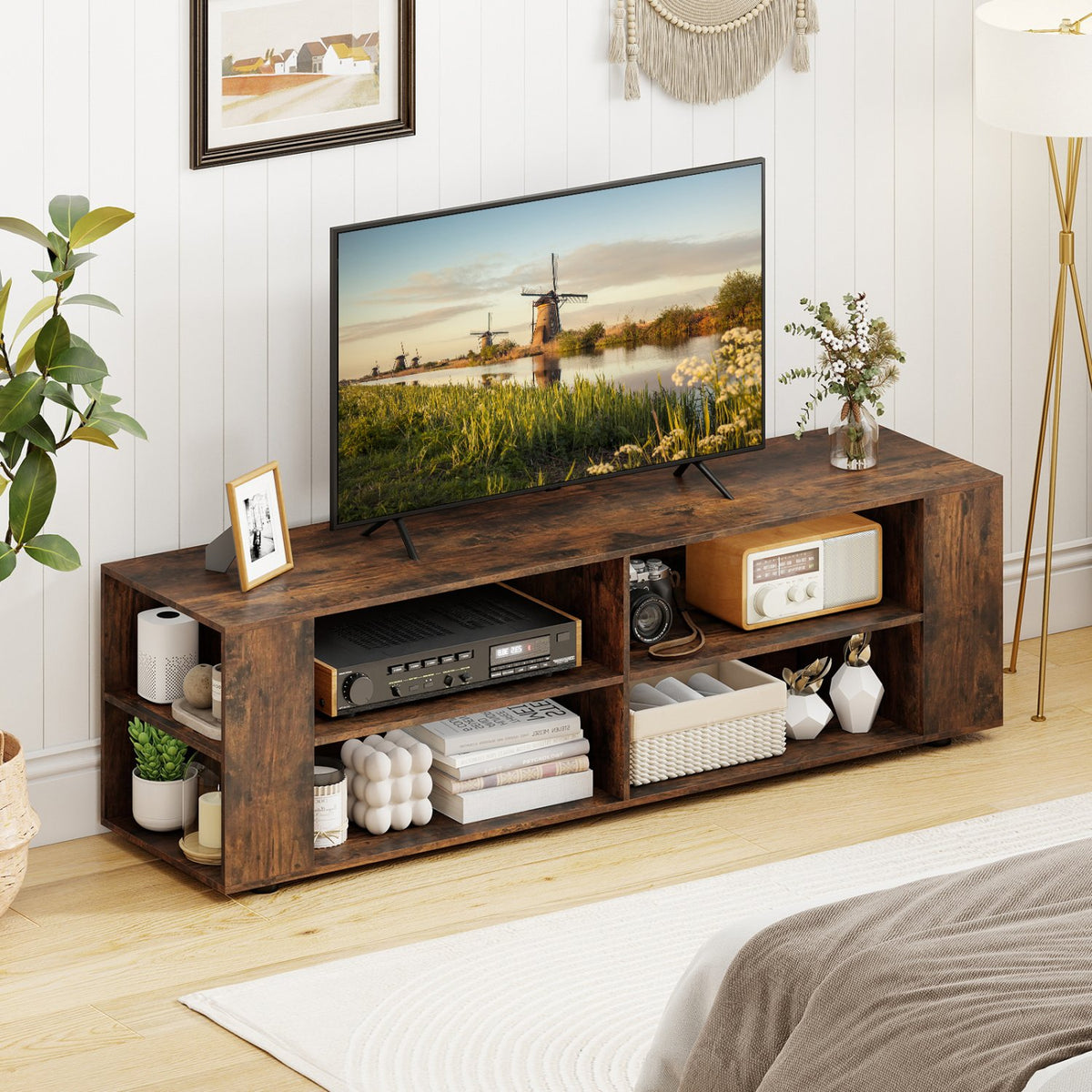
59 Inch Console Storage Entertainment Media Wood TV Stand-Walnut


Wall Mounted Floating 2 Door Desk Hutch Storage Shelves-White


Modern Farmhouse TV Stand Entertainment Center for TV's up to 55-Inch with Open Shelves-Brown

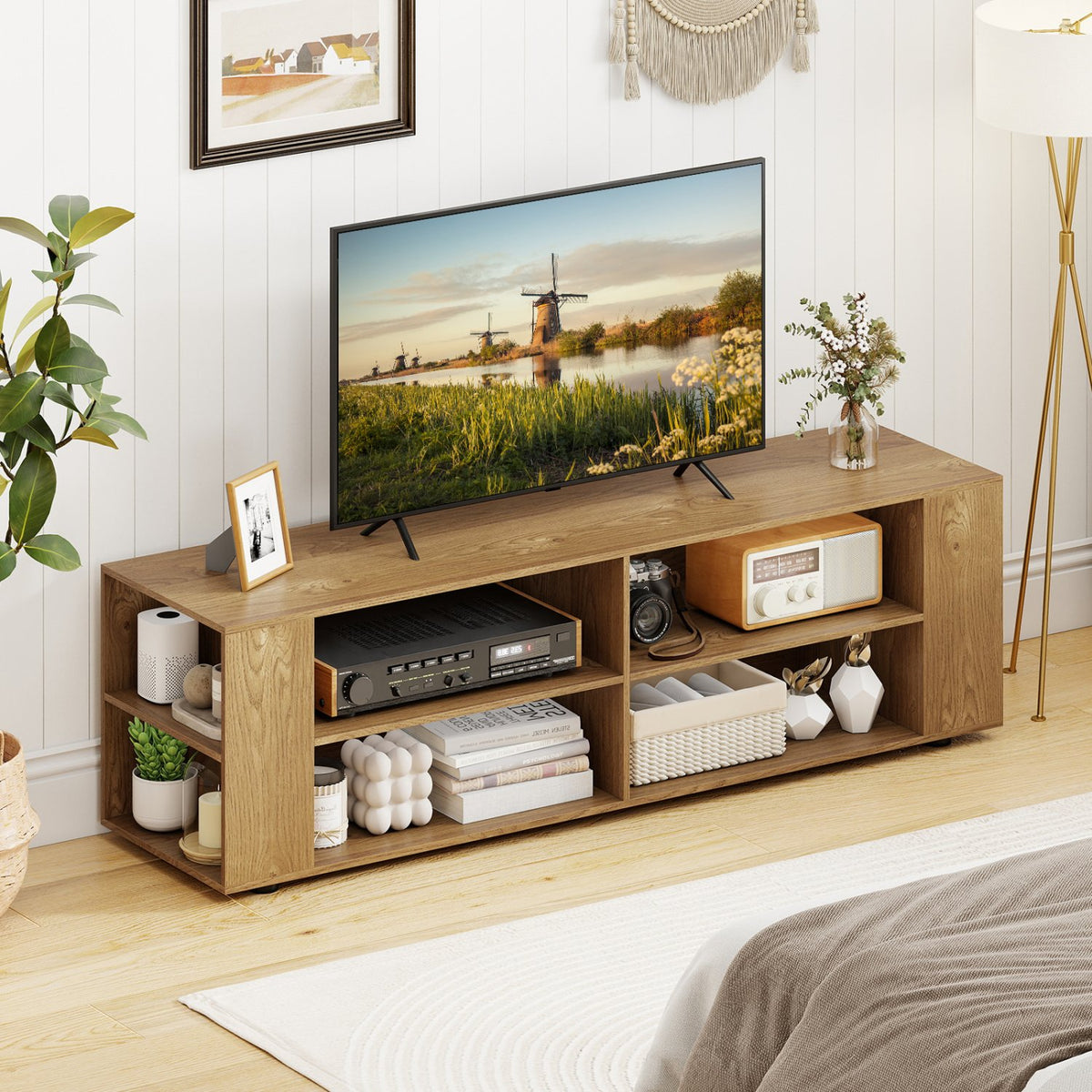
TV Stand Modern Wood Storage Console Entertainment Center-Natural

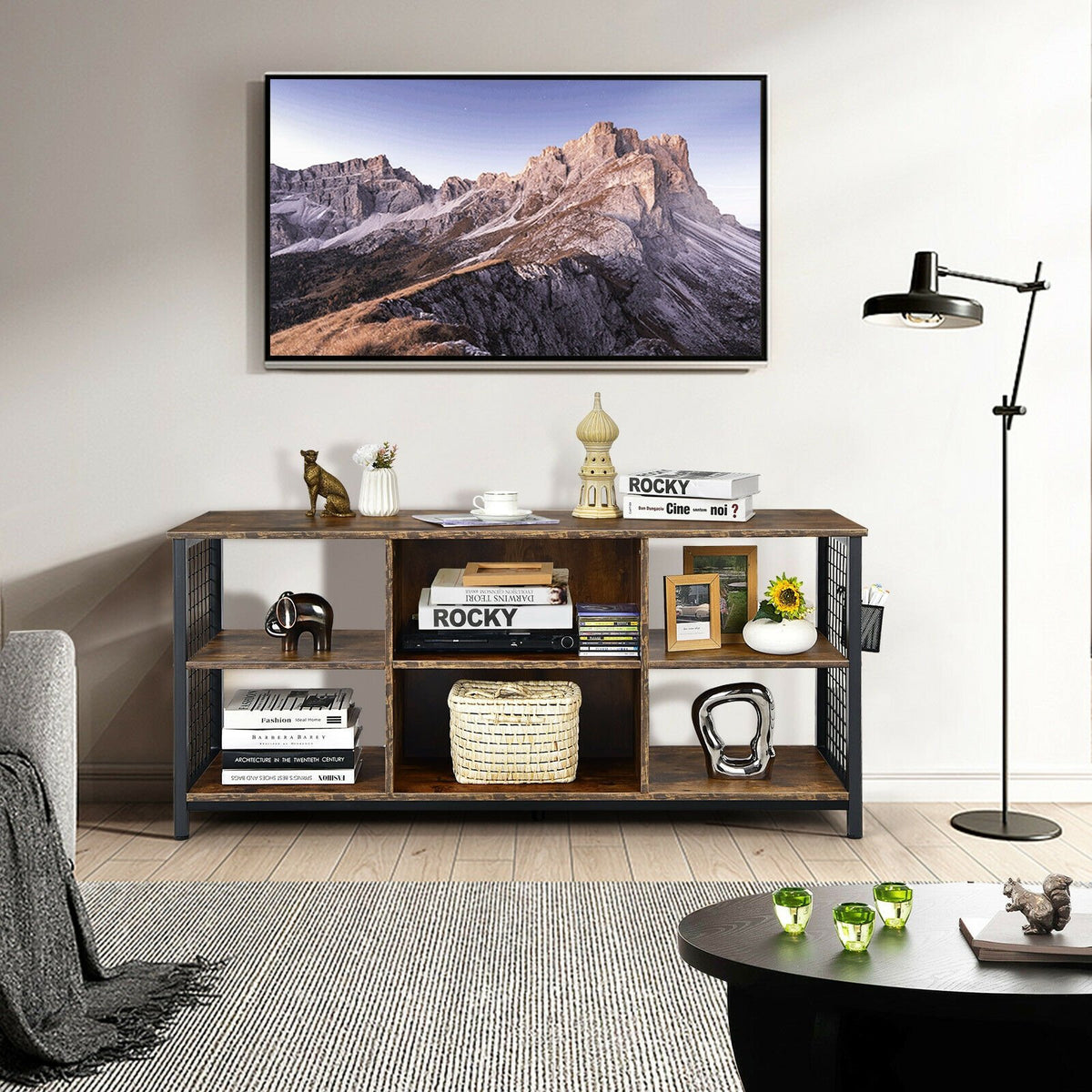
Mid-Century Wooden TV Stand with Storage Basket for TVs up to 65 Inch-Rustic Brown

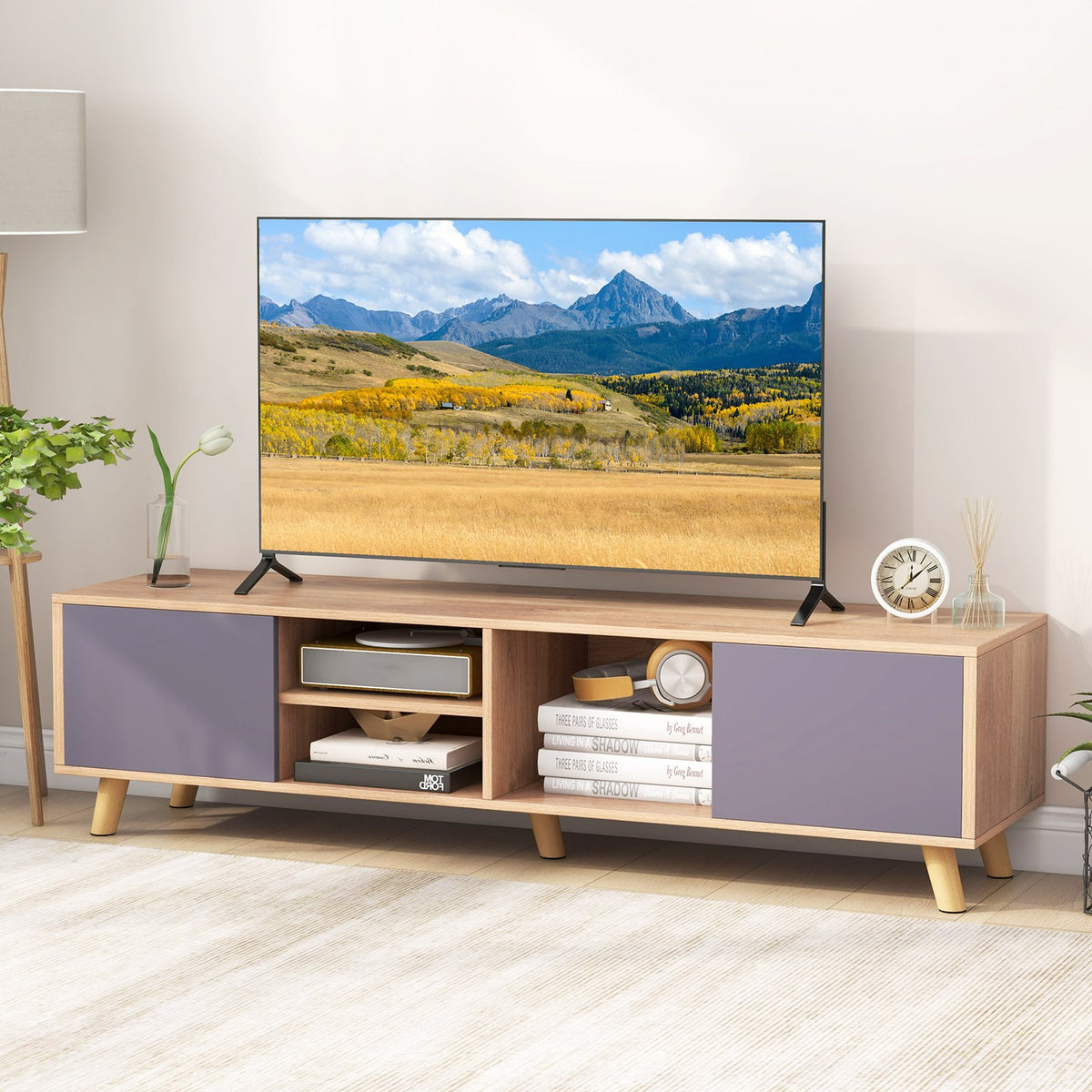
TV Stand Cabinet for TVs up to 65 Inch with Open Shelf for Living Room

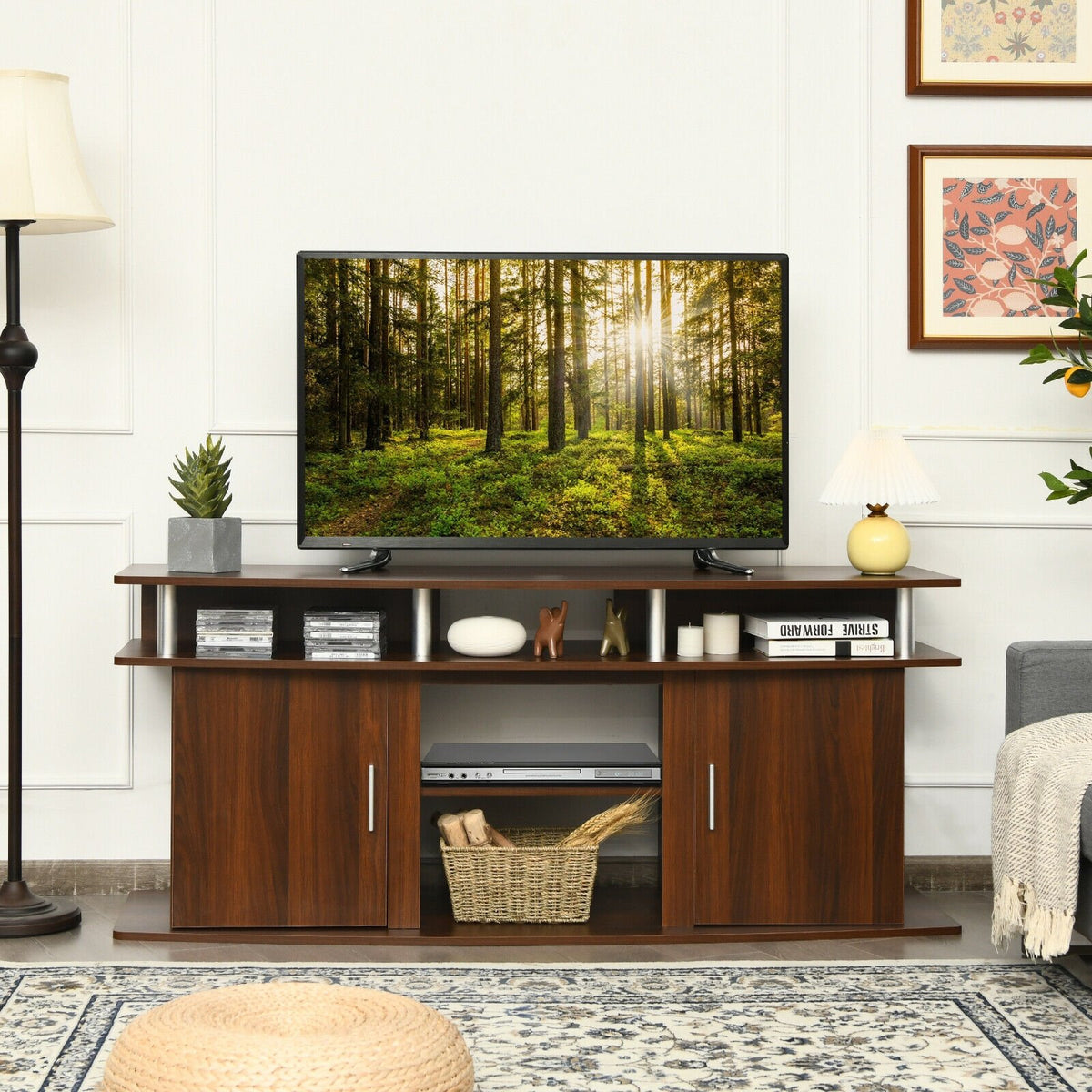
63 Inch TV Entertainment Console Center with 2 Cabinets-Walnut

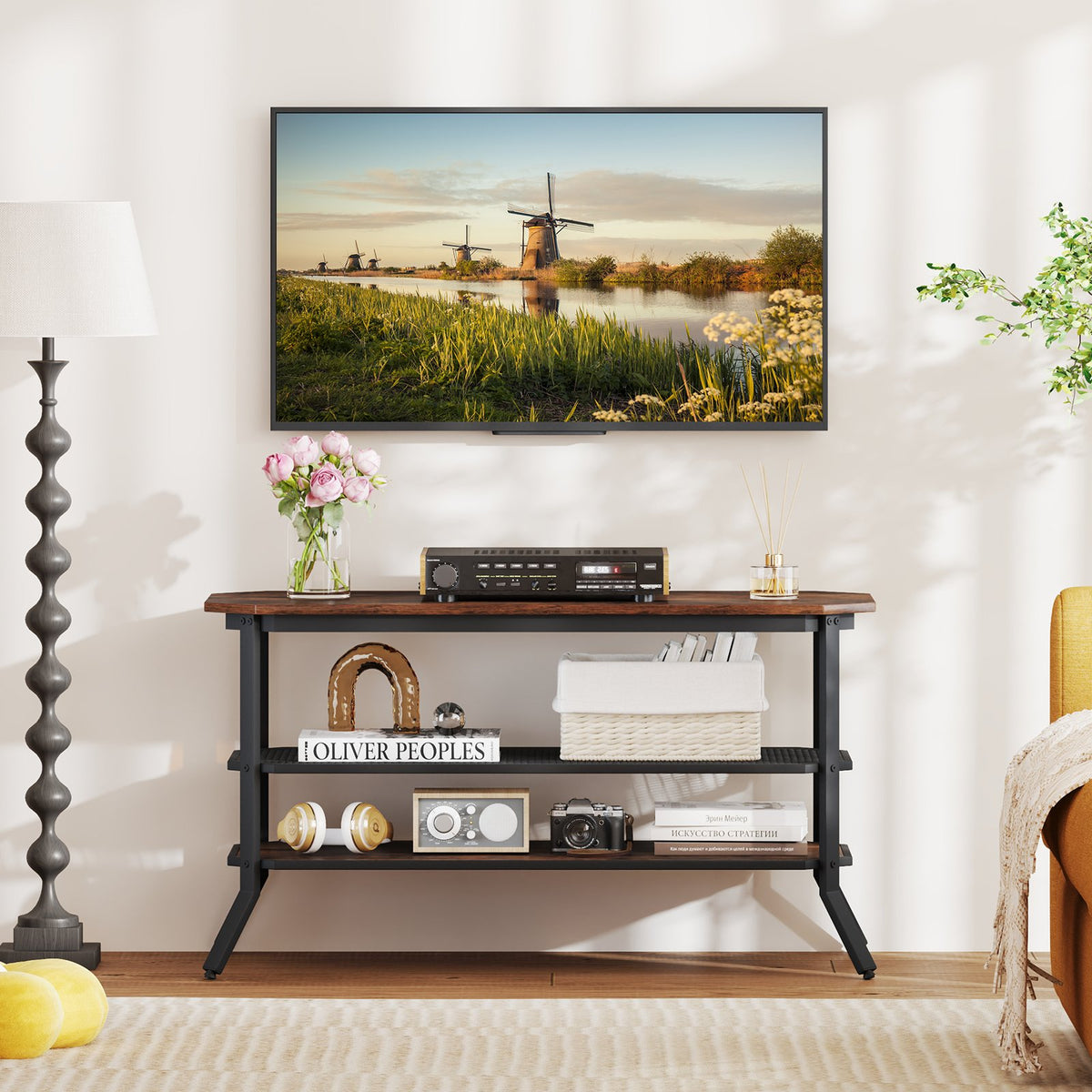
3-tier Console Table TV Stand with Mesh Storage Shelf-Rustic Brown

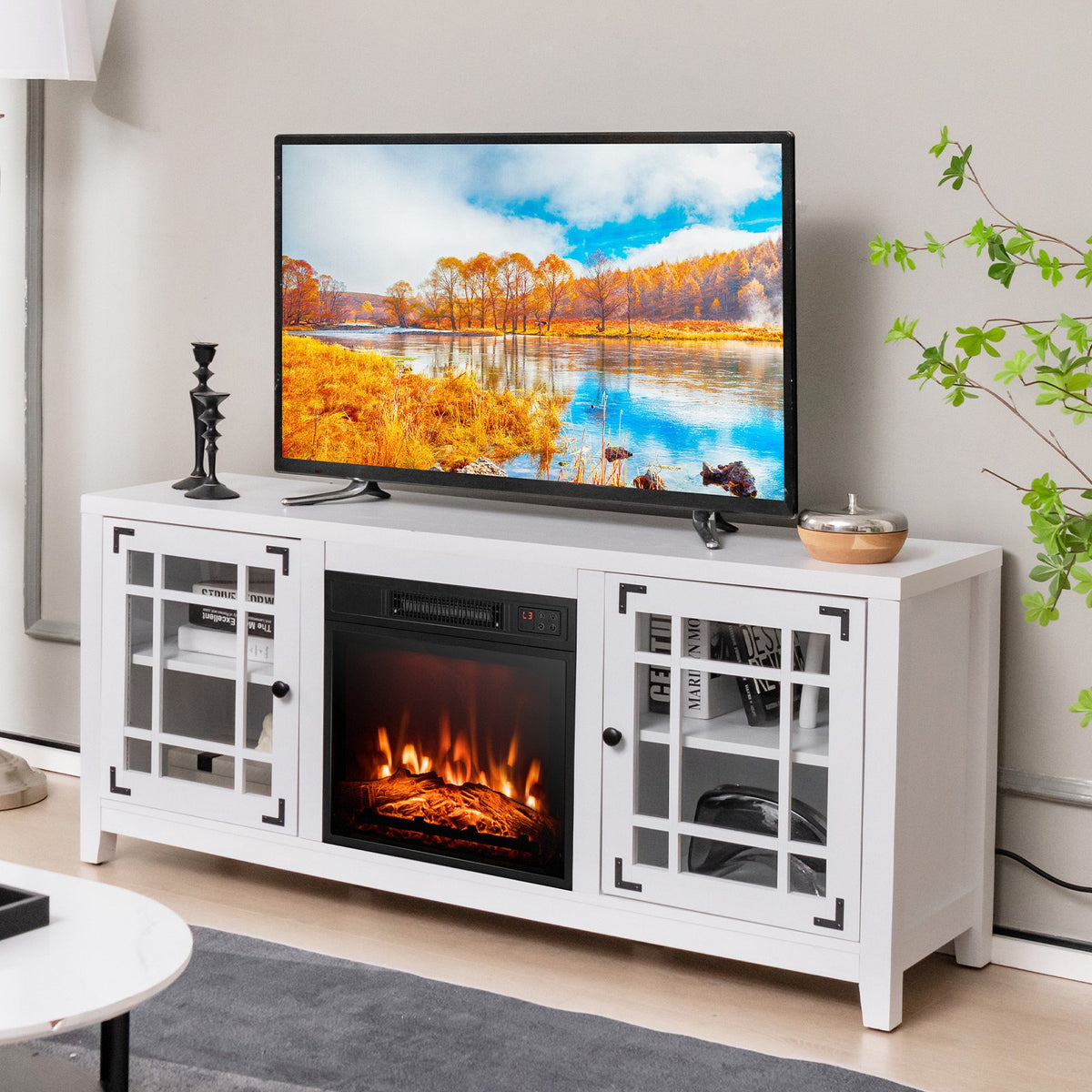
58 Inch Fireplace TV Stand with Adjustable Shelves for TVs up to 65 Inch-White

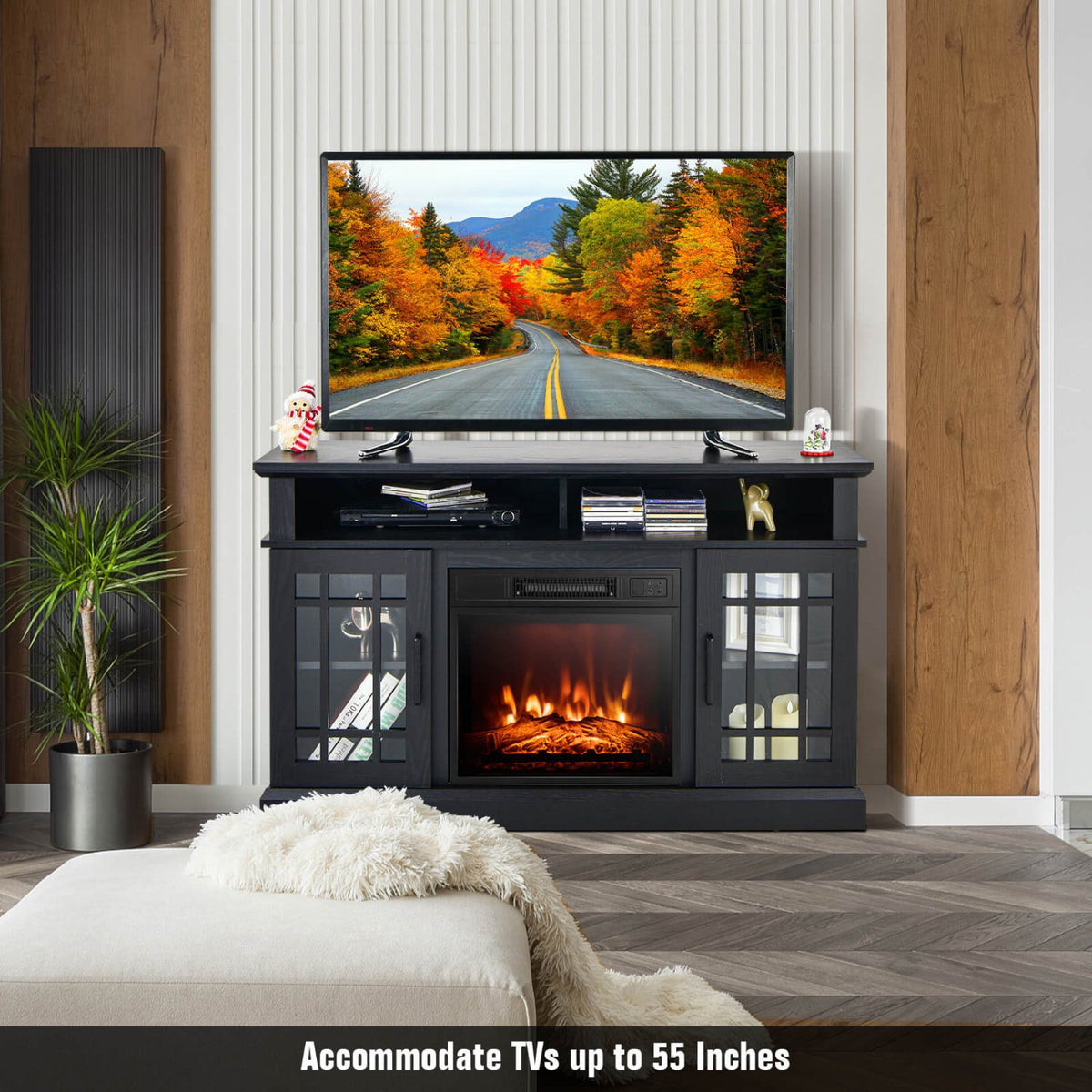
48 Inch Electric Fireplace TV Stand with Cabinets for TVs Up to 55 Inch-Black


TV Stand with Double Barn Doors for TVs up to 65 Inch-Natural

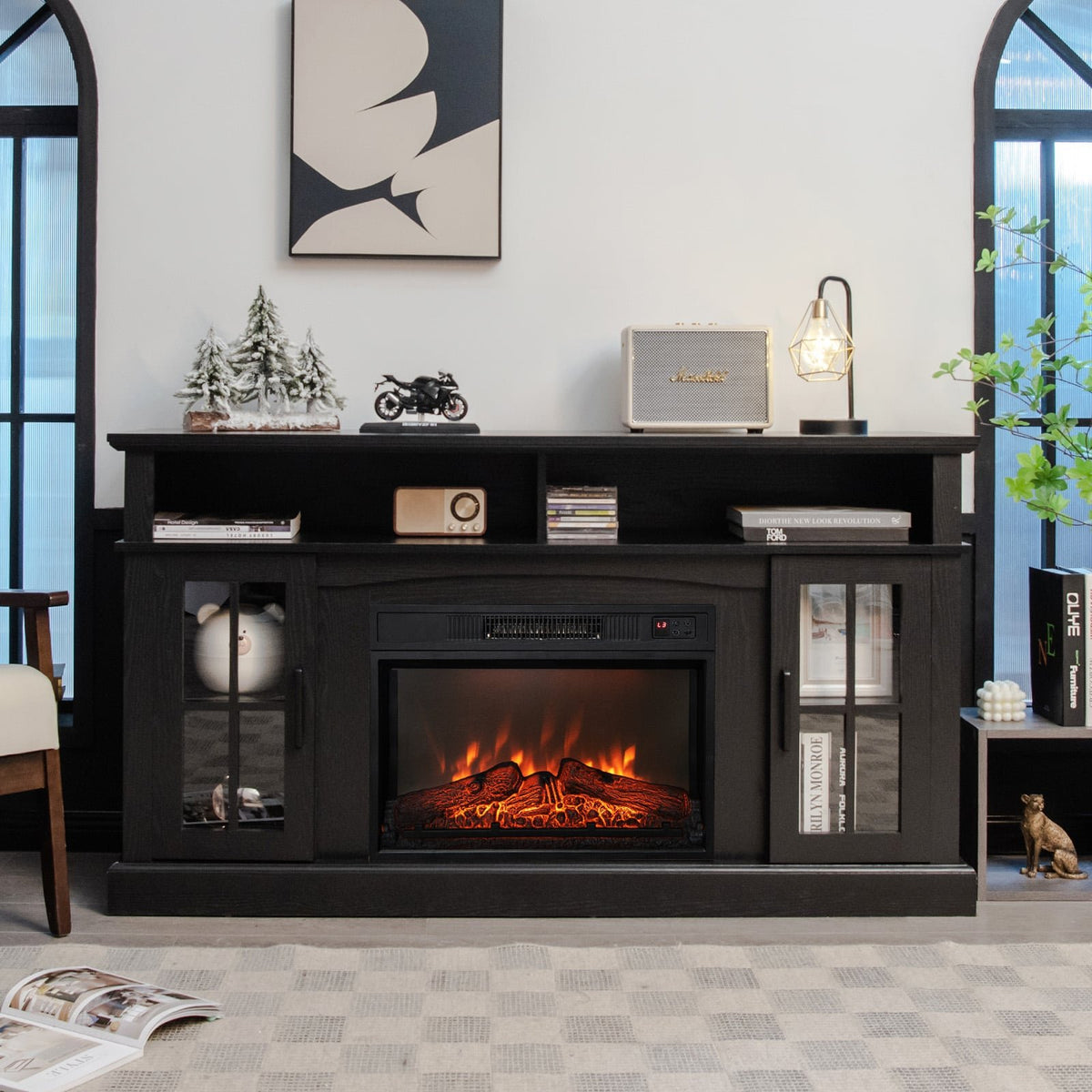
Fireplace TV Stand with 1400W Electric Fireplace-Black

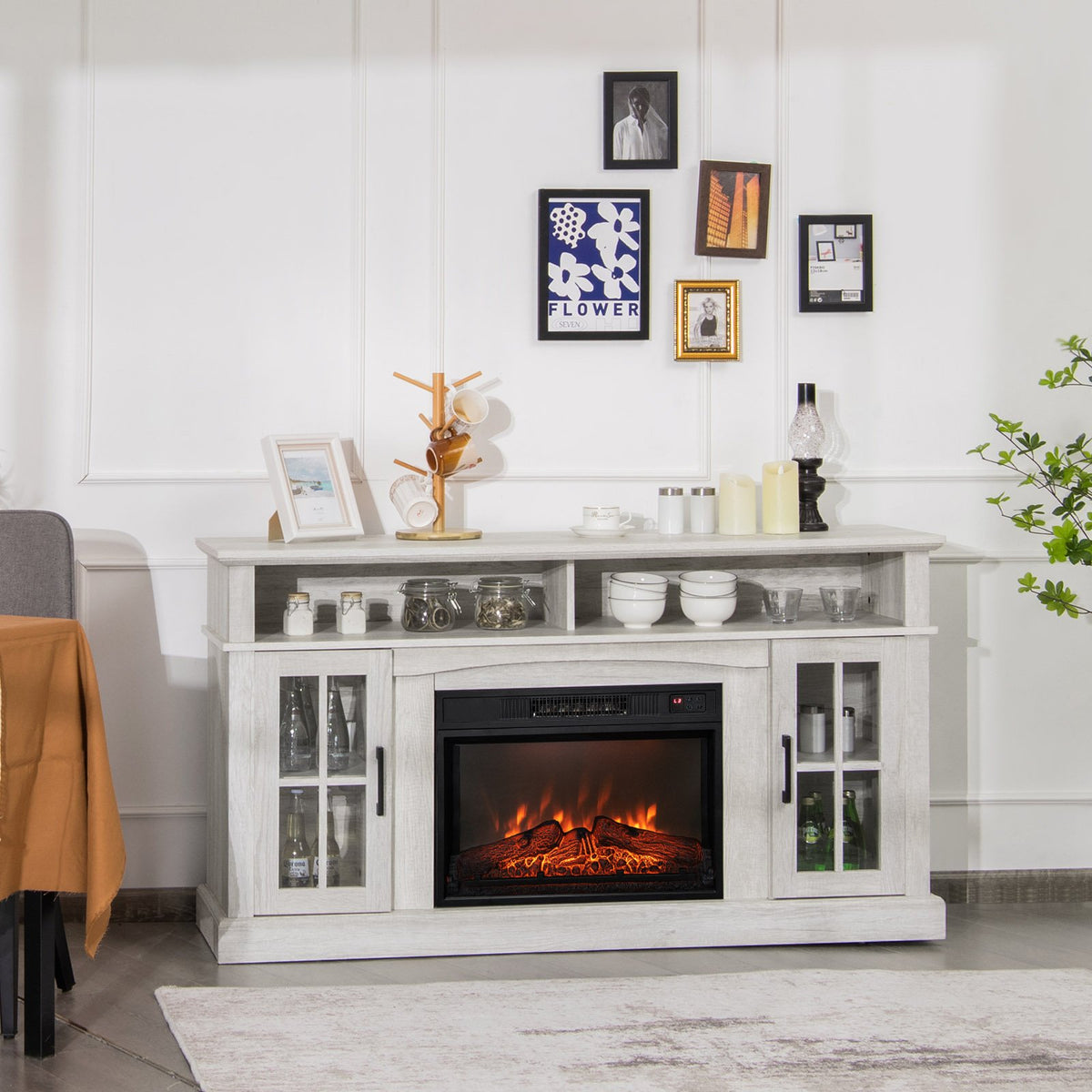
Fireplace TV Stand with 1400W Electric Fireplace-Gray

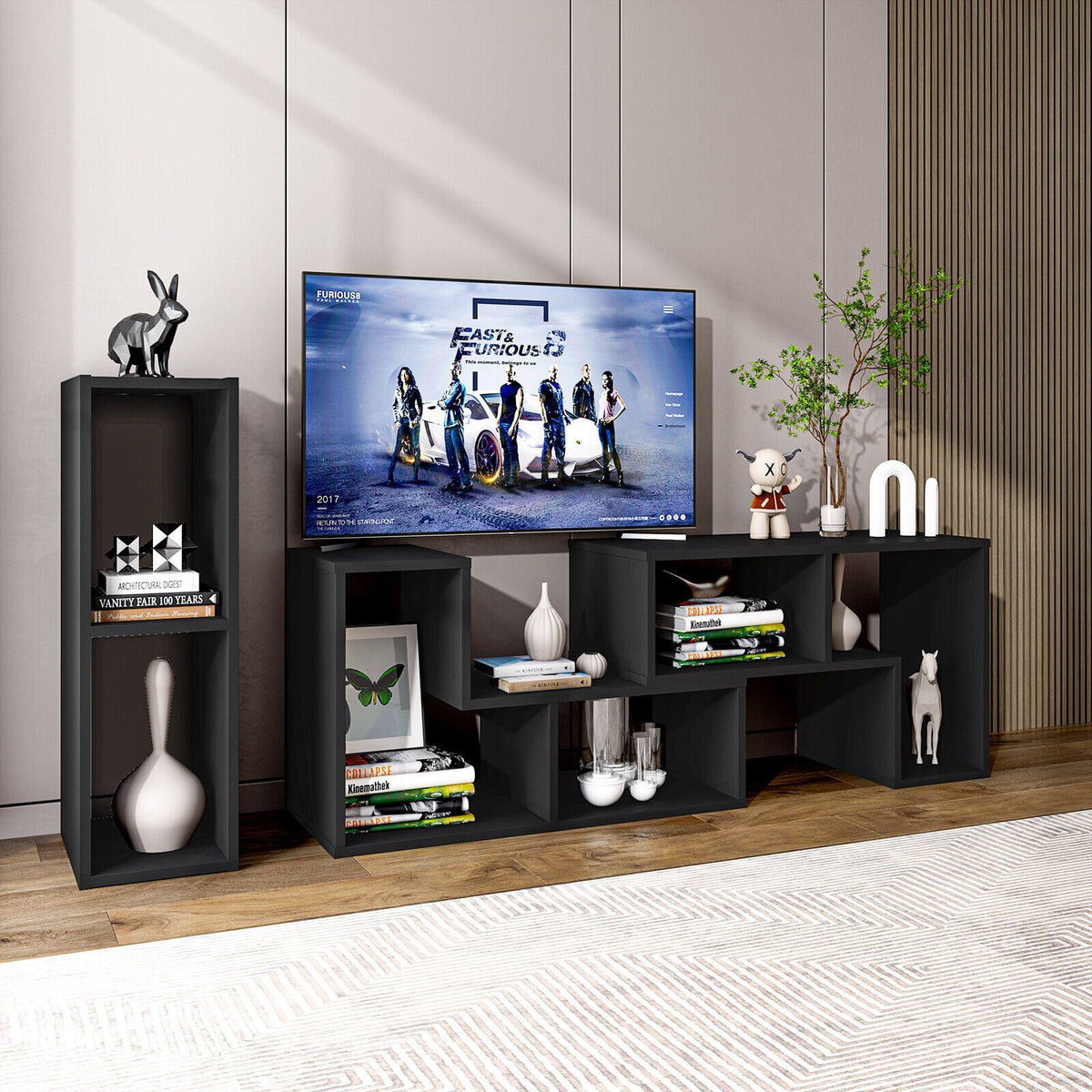
3 Pieces Adjustable TV Stand for TVs up to 65 Inch with Shelves-Black

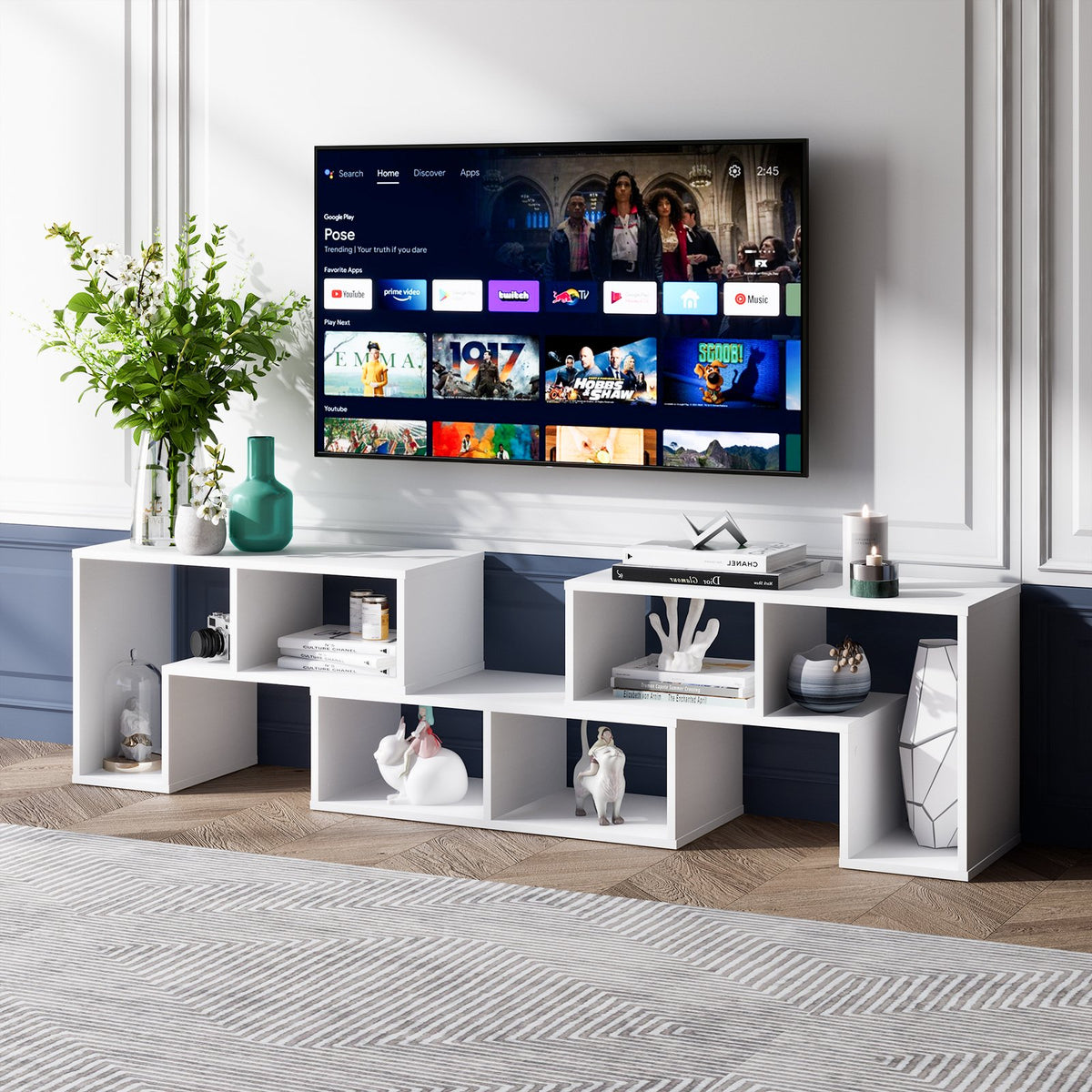
3 Pieces Adjustable TV Stand for TVs up to 65 Inch with Shelves-White


58 Inch TV Stand Entertainment Console Center with Adjustable Open Shelves-Black


TV Stand Entertainment Media Console with 2 Rattan Cabinets and Open Shelves-White

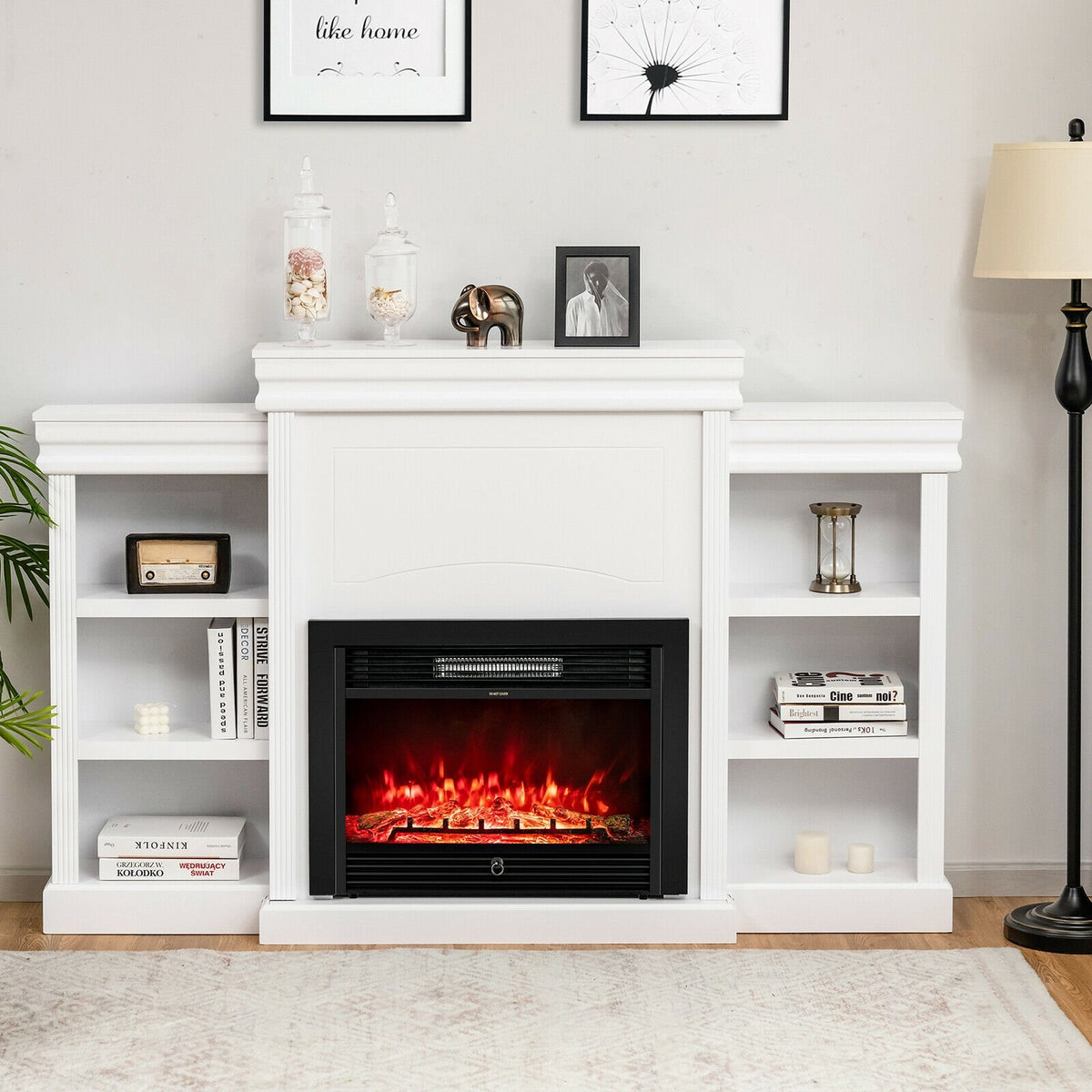
70 Inch Modern Fireplace Media Entertainment Center with Bookcase-White

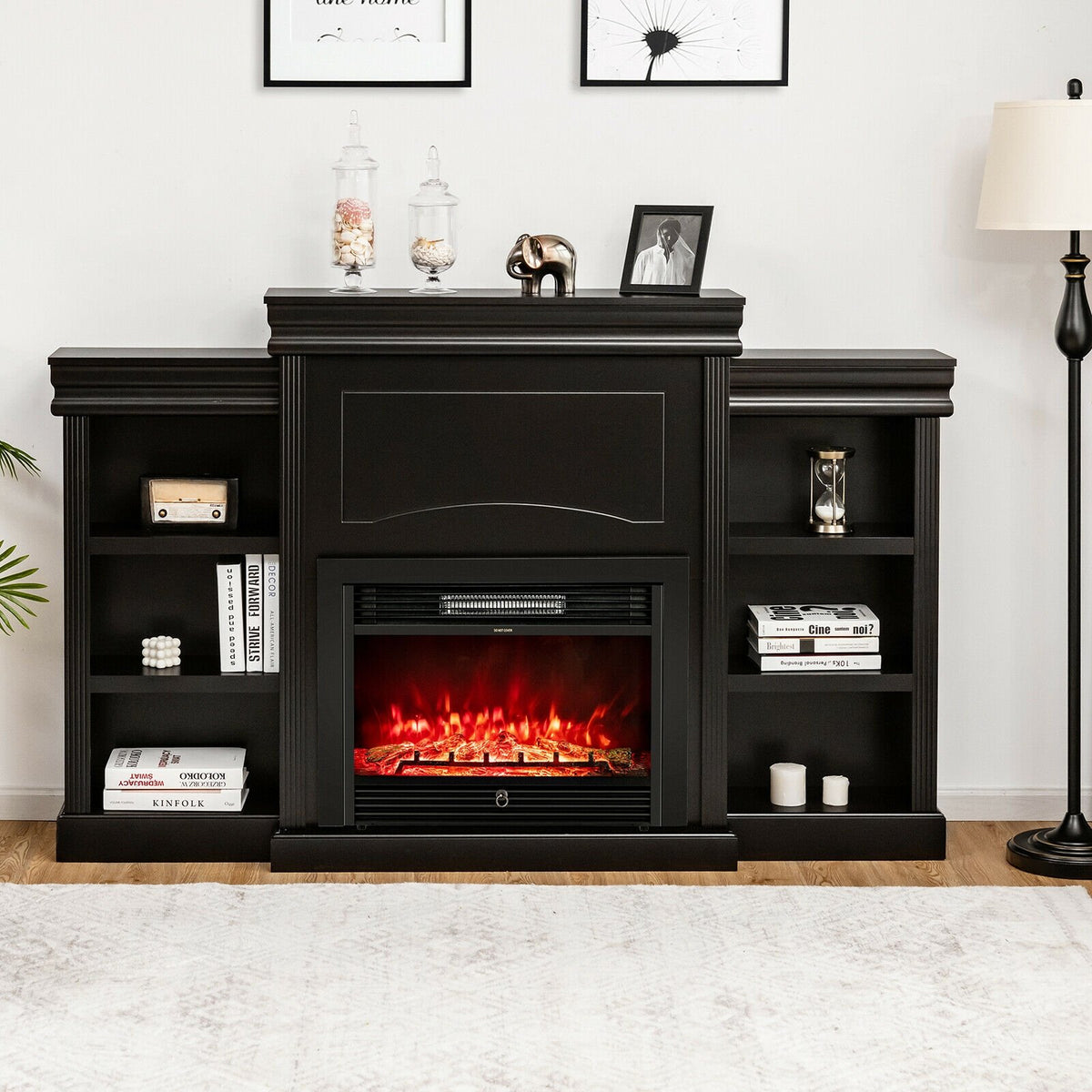
70 Inch Modern Fireplace Media Entertainment Center with Bookcase-Black

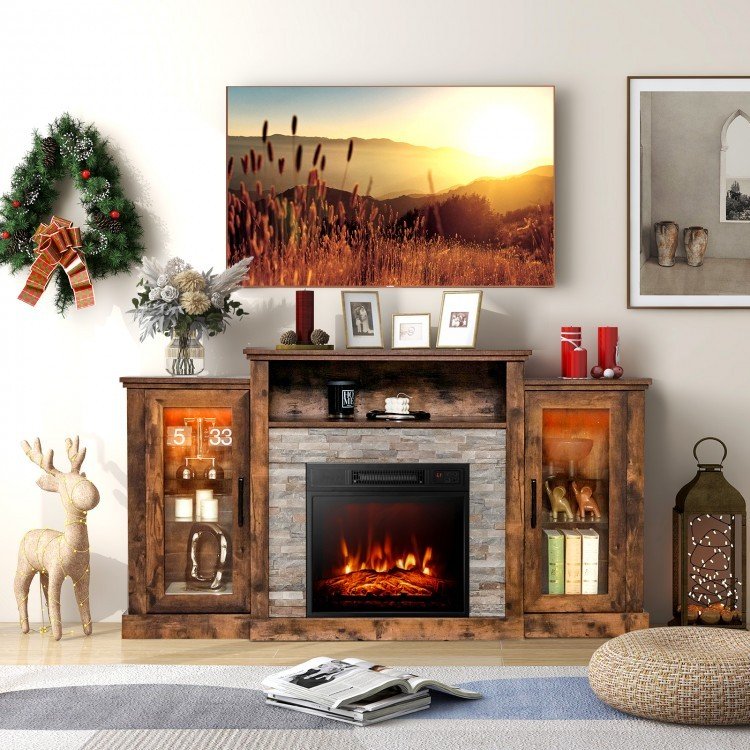
Fireplace TV Stand with 16-Color Led Lights for TVs up to 65 Inch-Brown

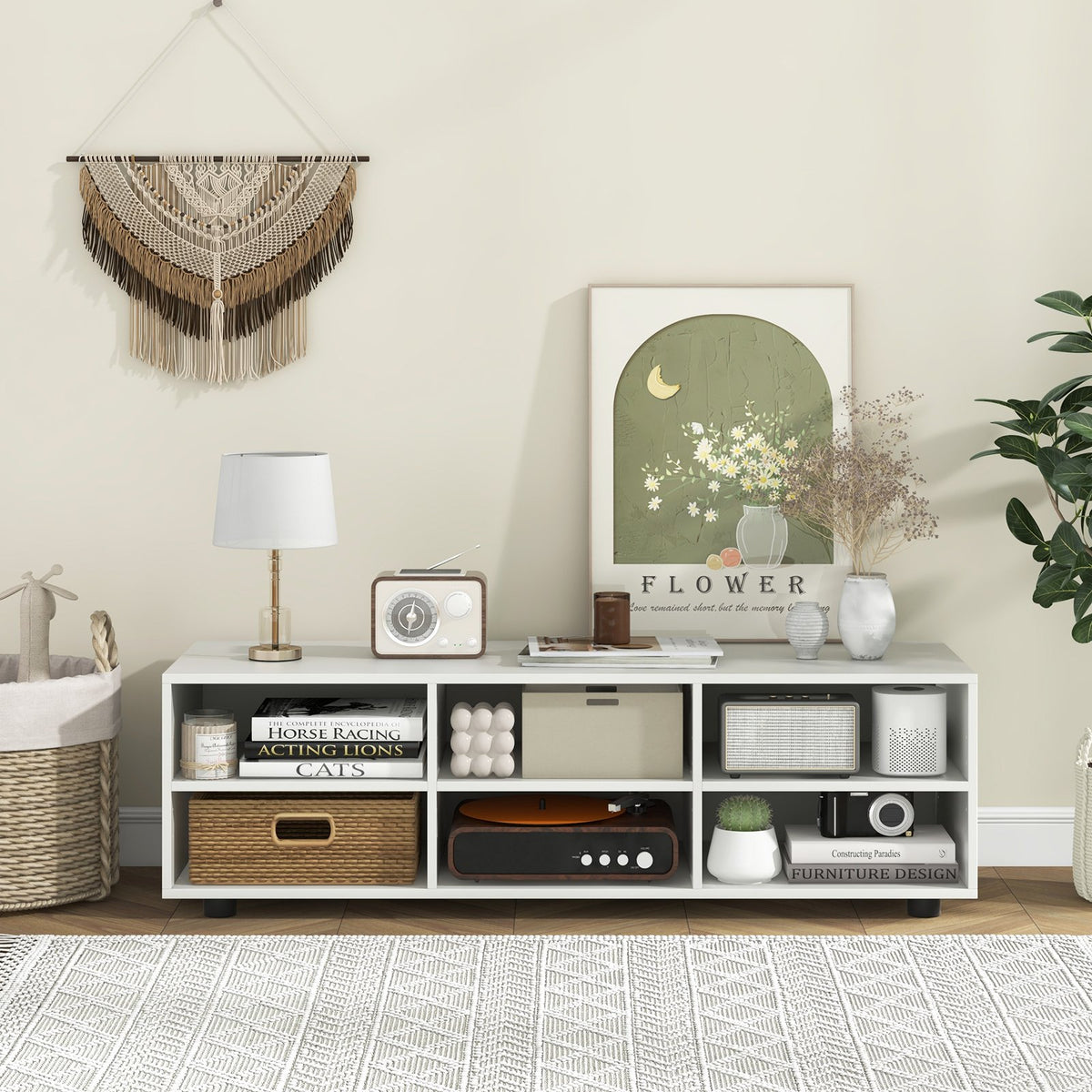
TV Stand for TV up to 55 Inch with 6 Storage Compartments-White


Modern TV Stand with Rattan Glass Sliding Doors-Natural

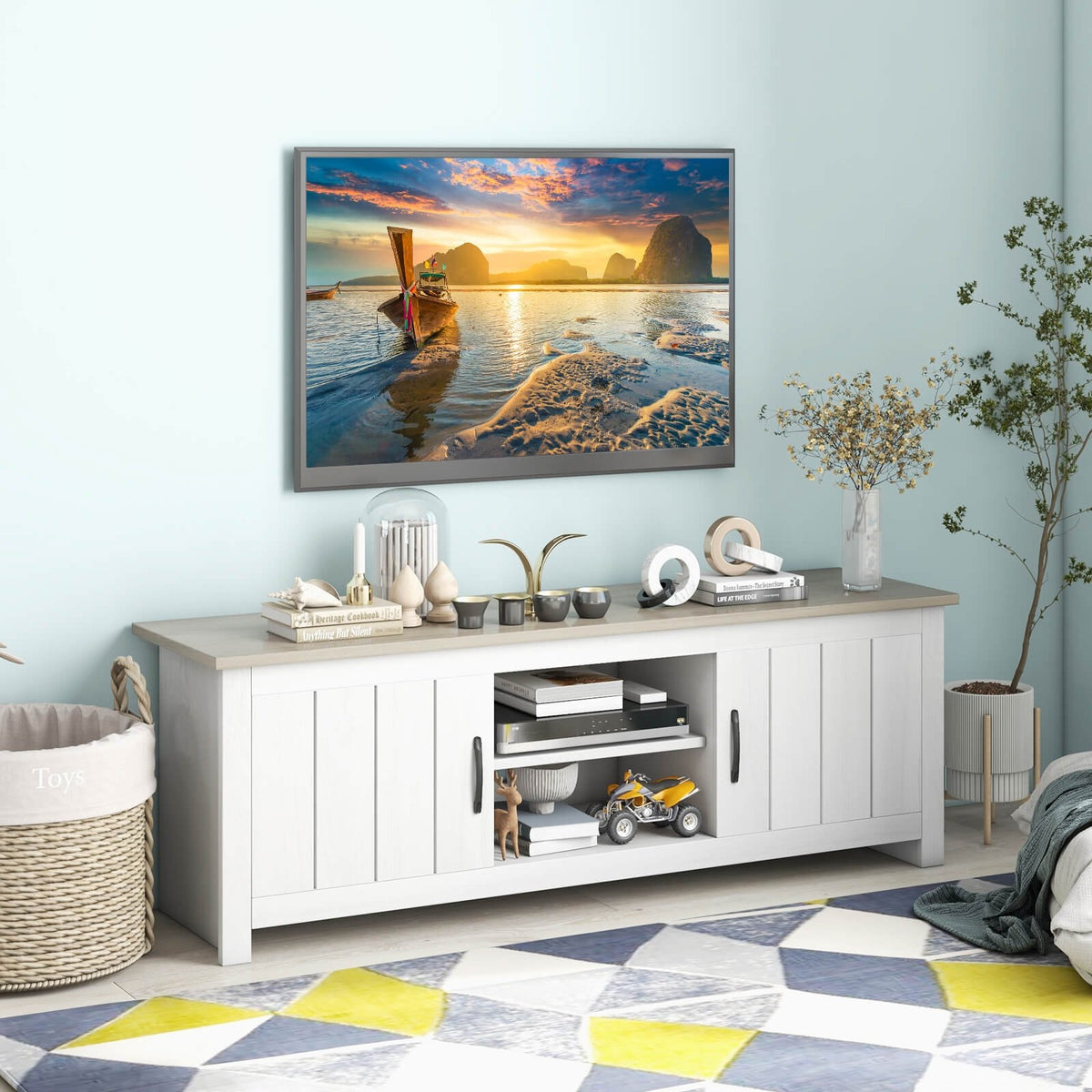
TV Stand with 2 Cabinets and Open Shelves for TVs up to 65 Inch-Natural

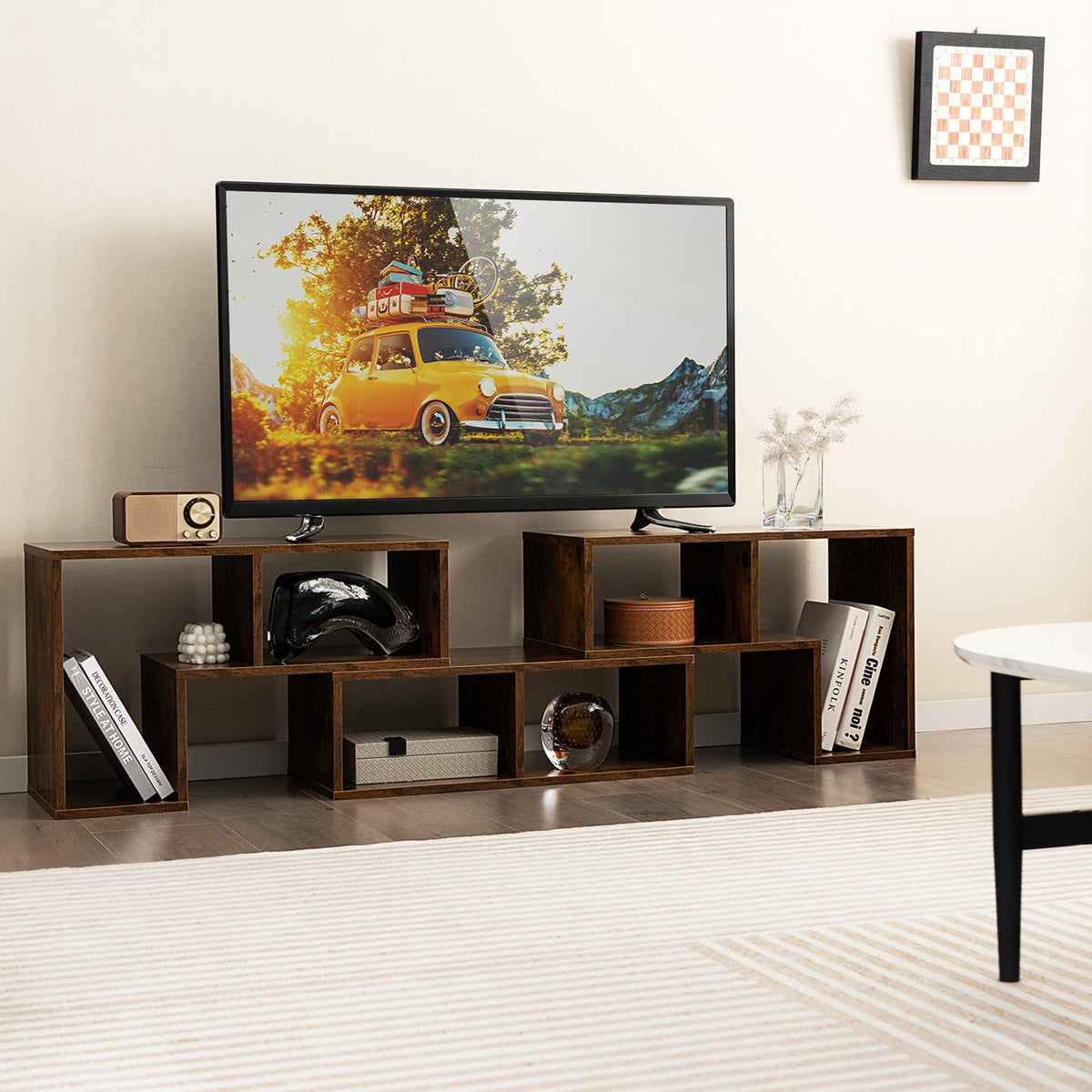
3 Pieces Console TV Stand for TVs up to 65 Inch with Shelves-Brown

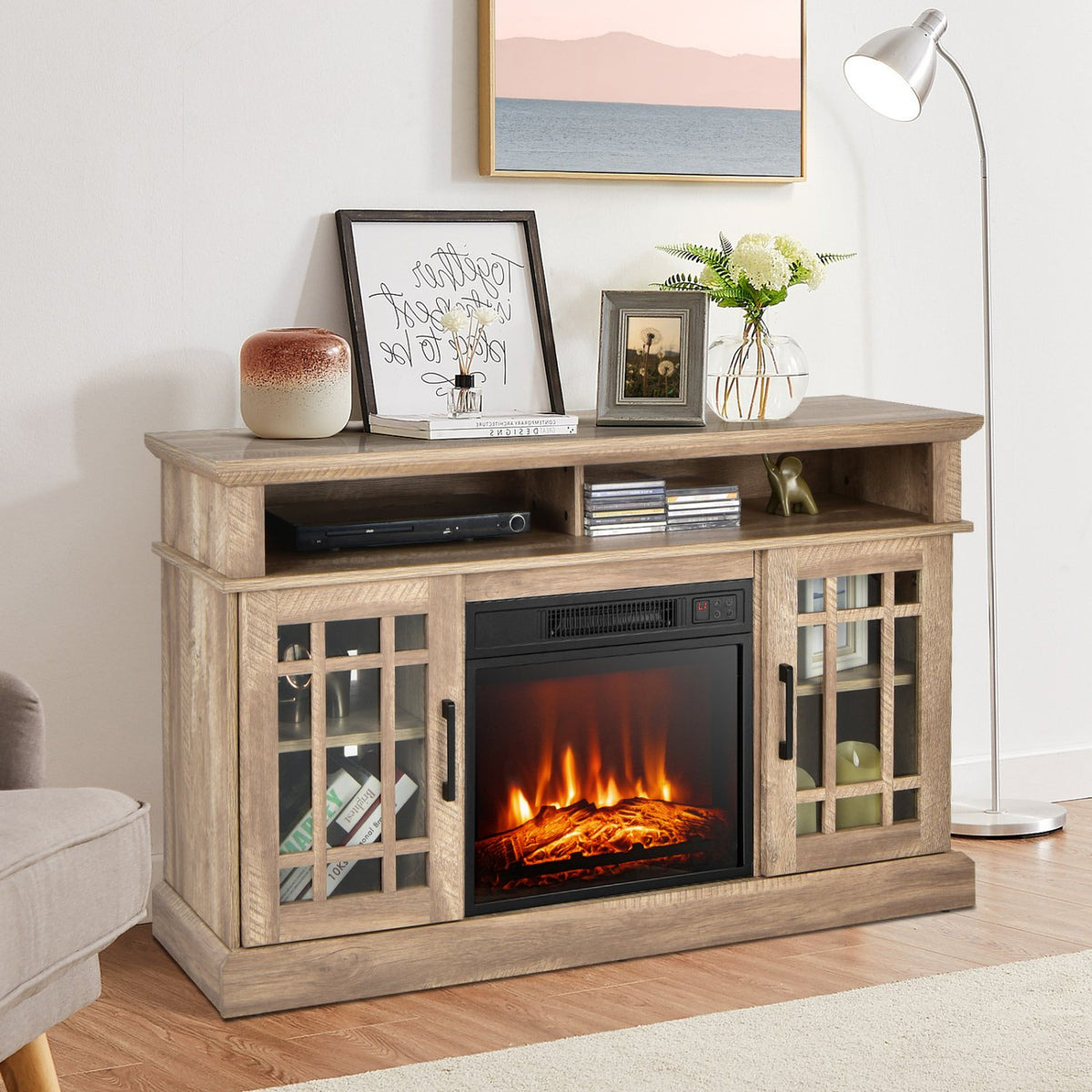
48 Inch Electric Fireplace TV Stand with Cabinets for TVs Up to 55 Inch-Natural

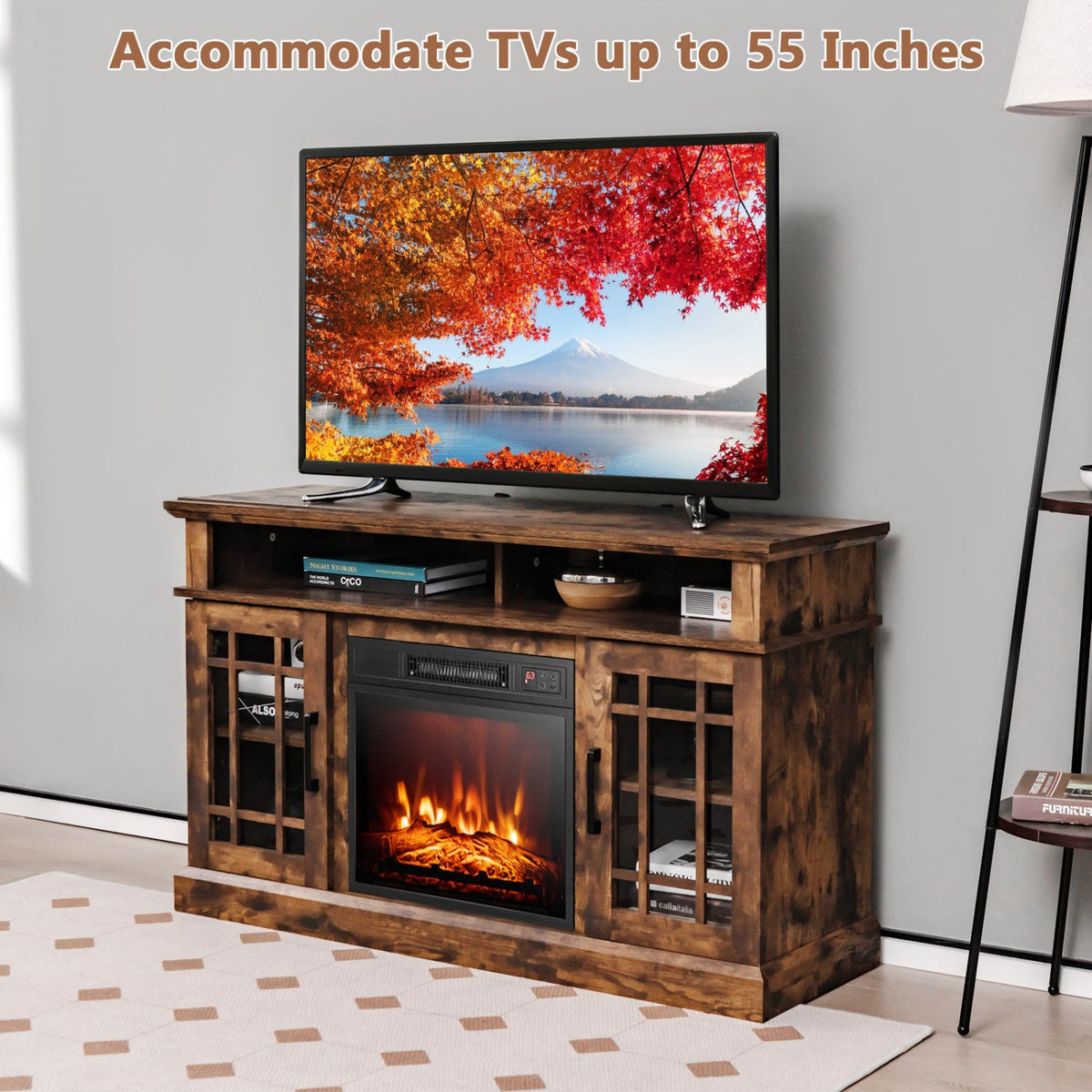
48 Inch Electric Fireplace TV Stand with Cabinets for TVs Up to 55 Inch-Brown

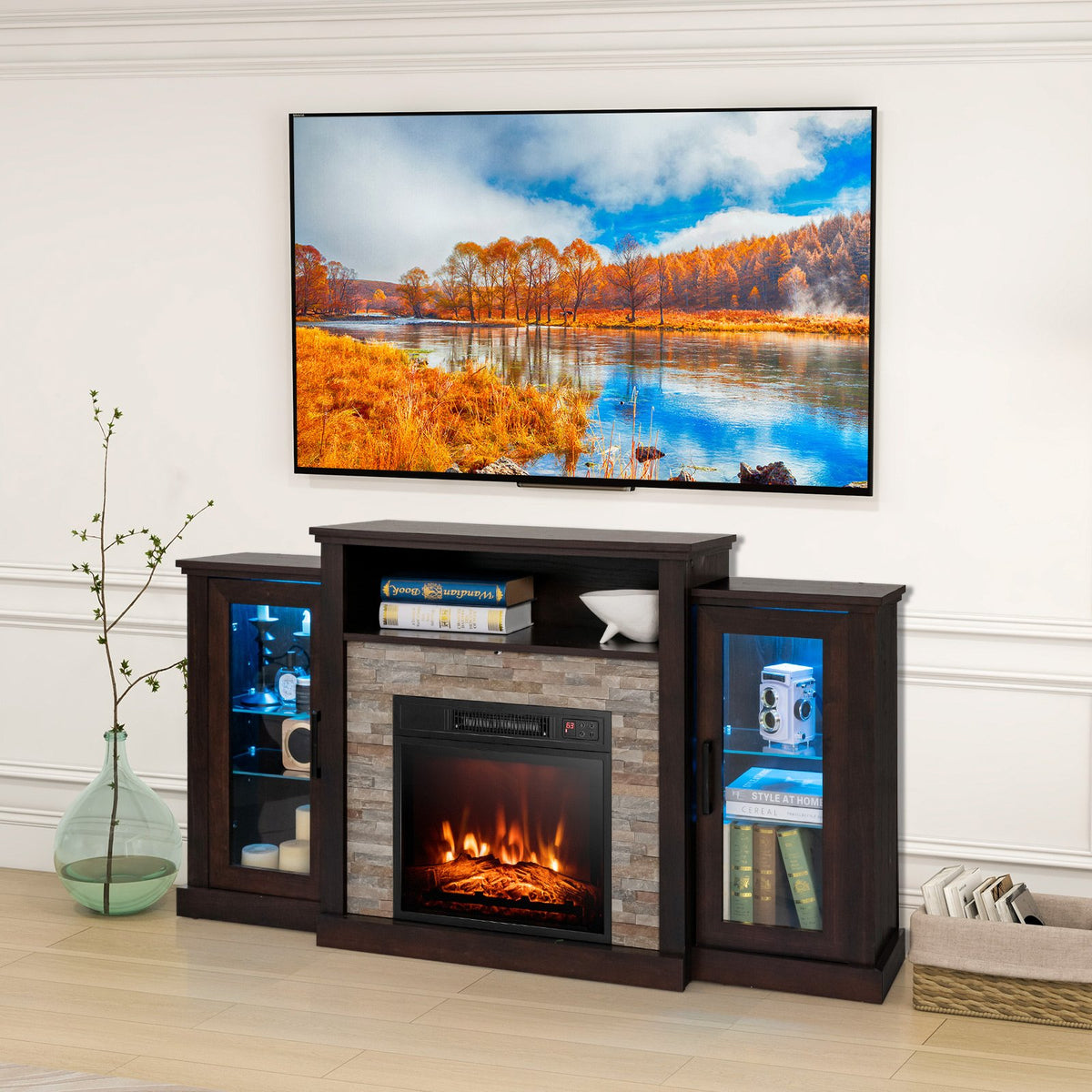
Fireplace TV Stand with 16-Color Led Lights for TVs up to 65 Inch-Dark Brown

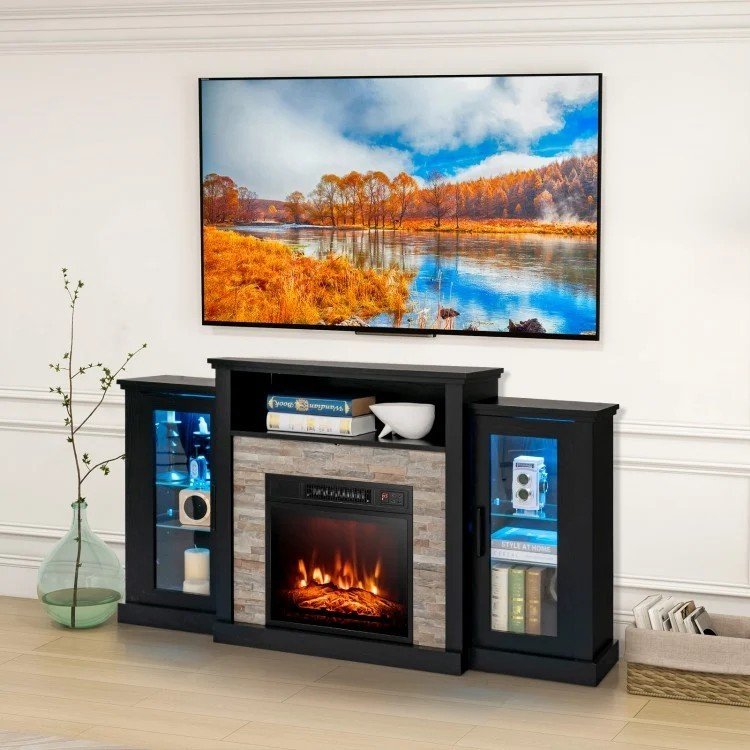
Fireplace TV Stand with 16-Color Led Lights for TVs up to 65 Inch-Black

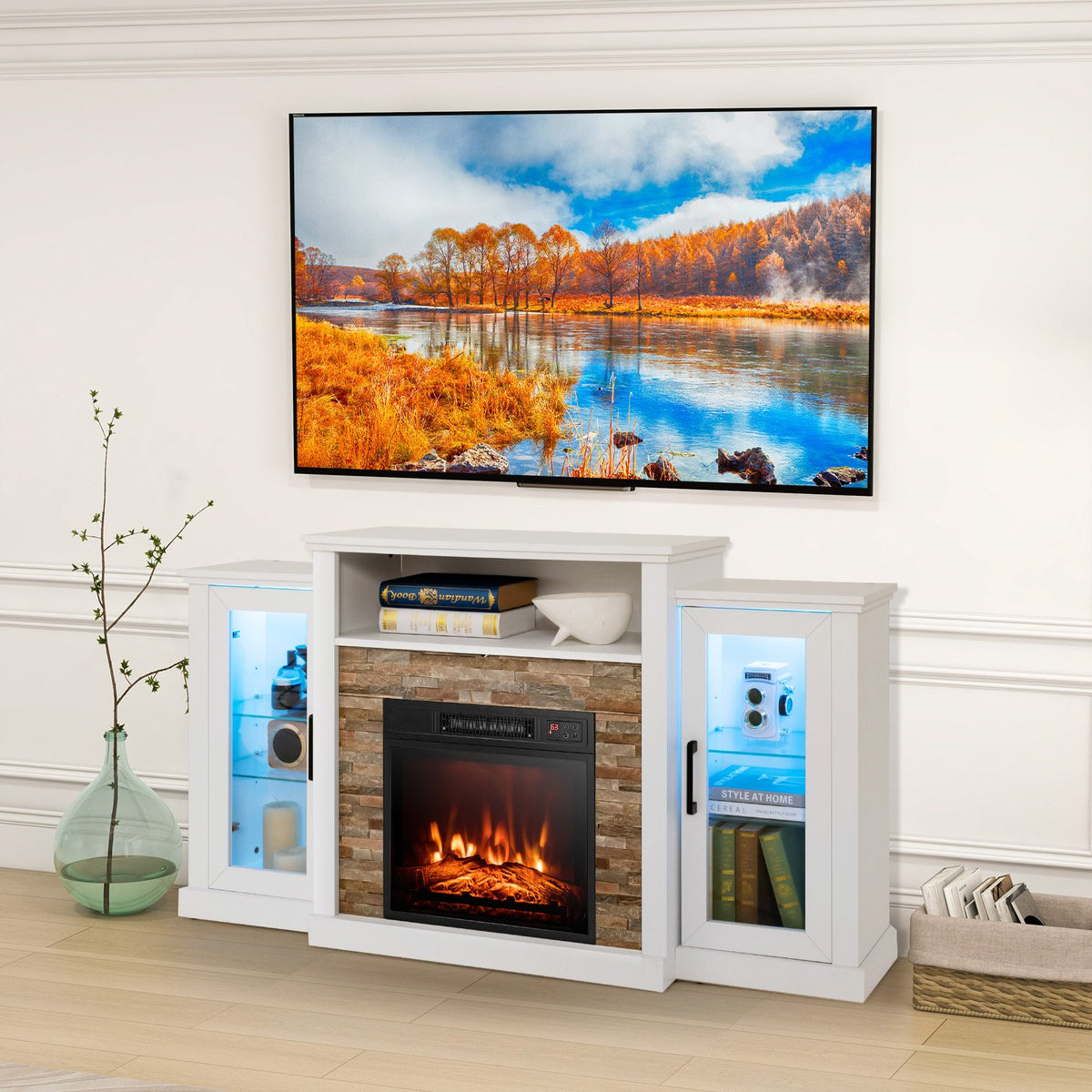
Fireplace TV Stand with 16-Color Led Lights for TVs up to 65 Inch-White


Fireplace TV Stand for TVs Up to 65 Inch with Side Cabinets and Remote Control-Brown

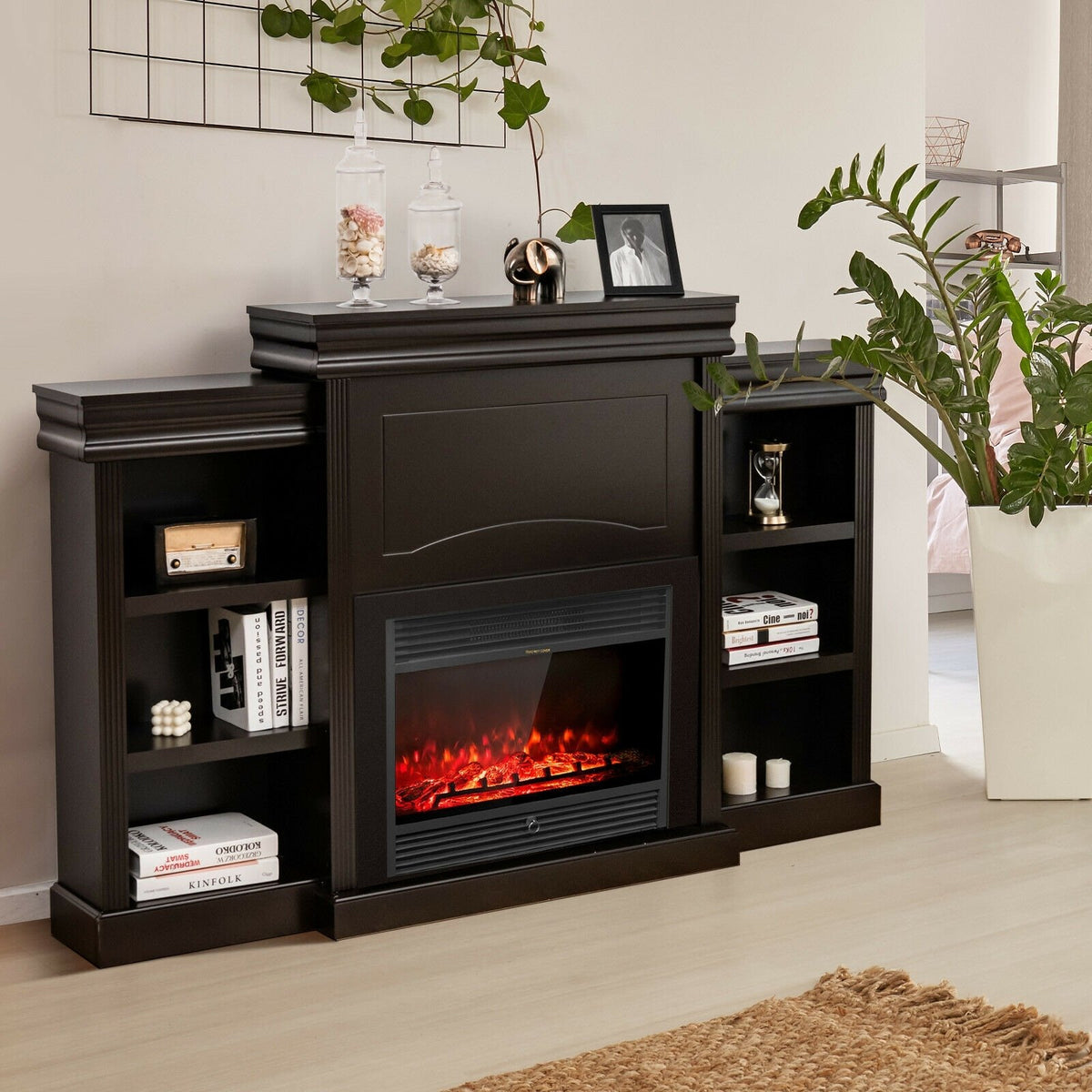
70 Inch Modern Fireplace Media Entertainment Center with Bookcase-Brown

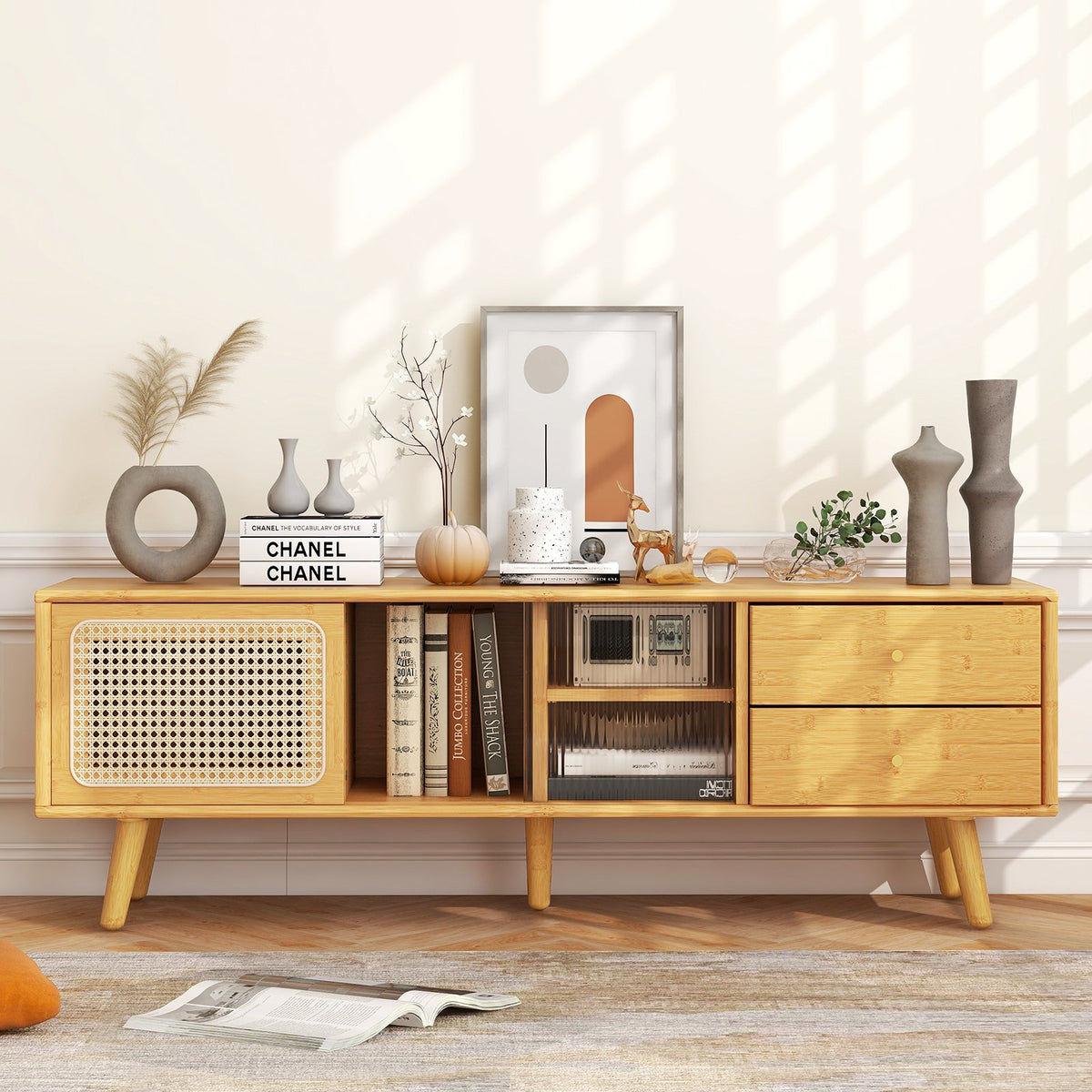
Bamboo TV Stand for TV up to 65 Inch-Natural

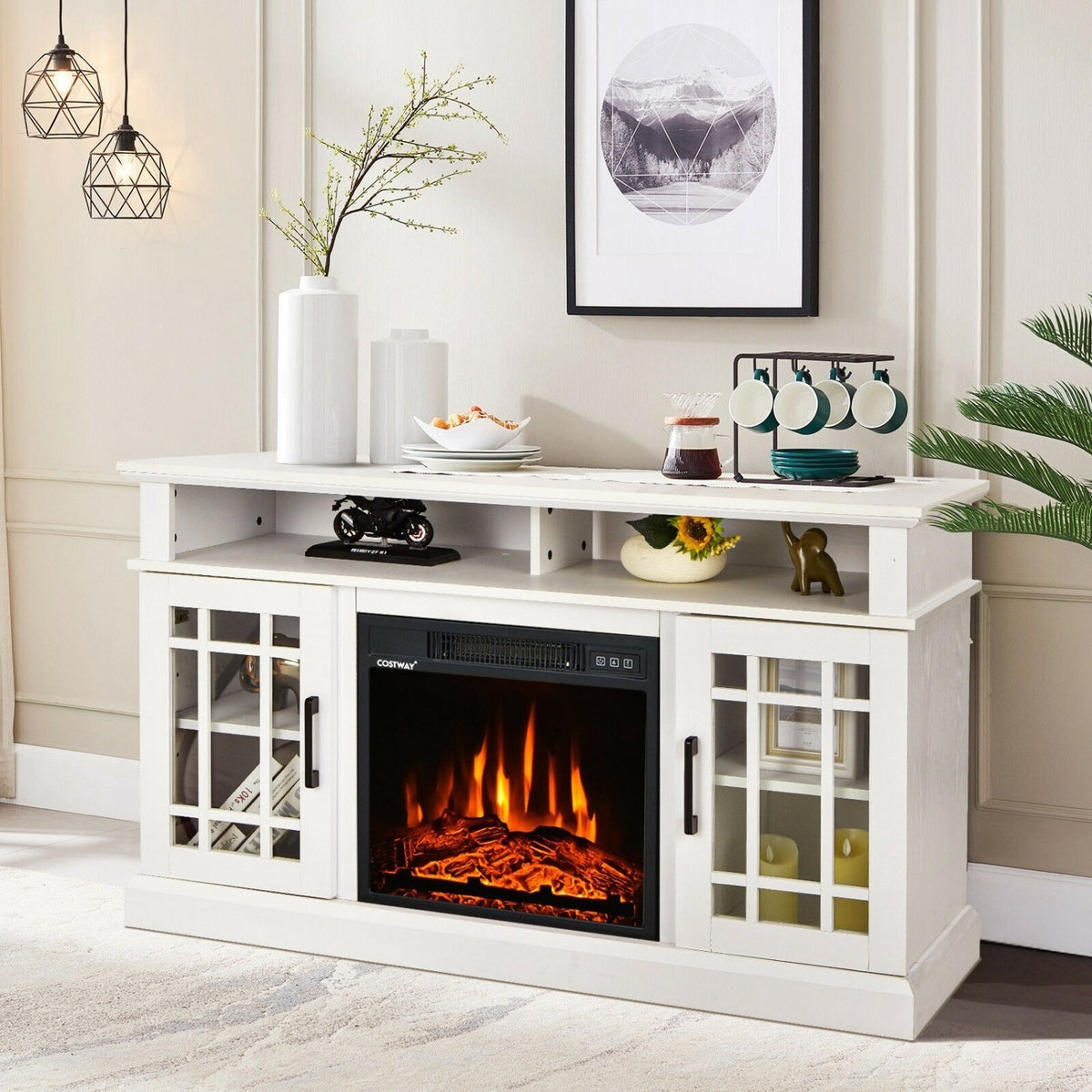
48 Inch Electric Fireplace TV Stand with Cabinets for TVs Up to 50 Inch-White

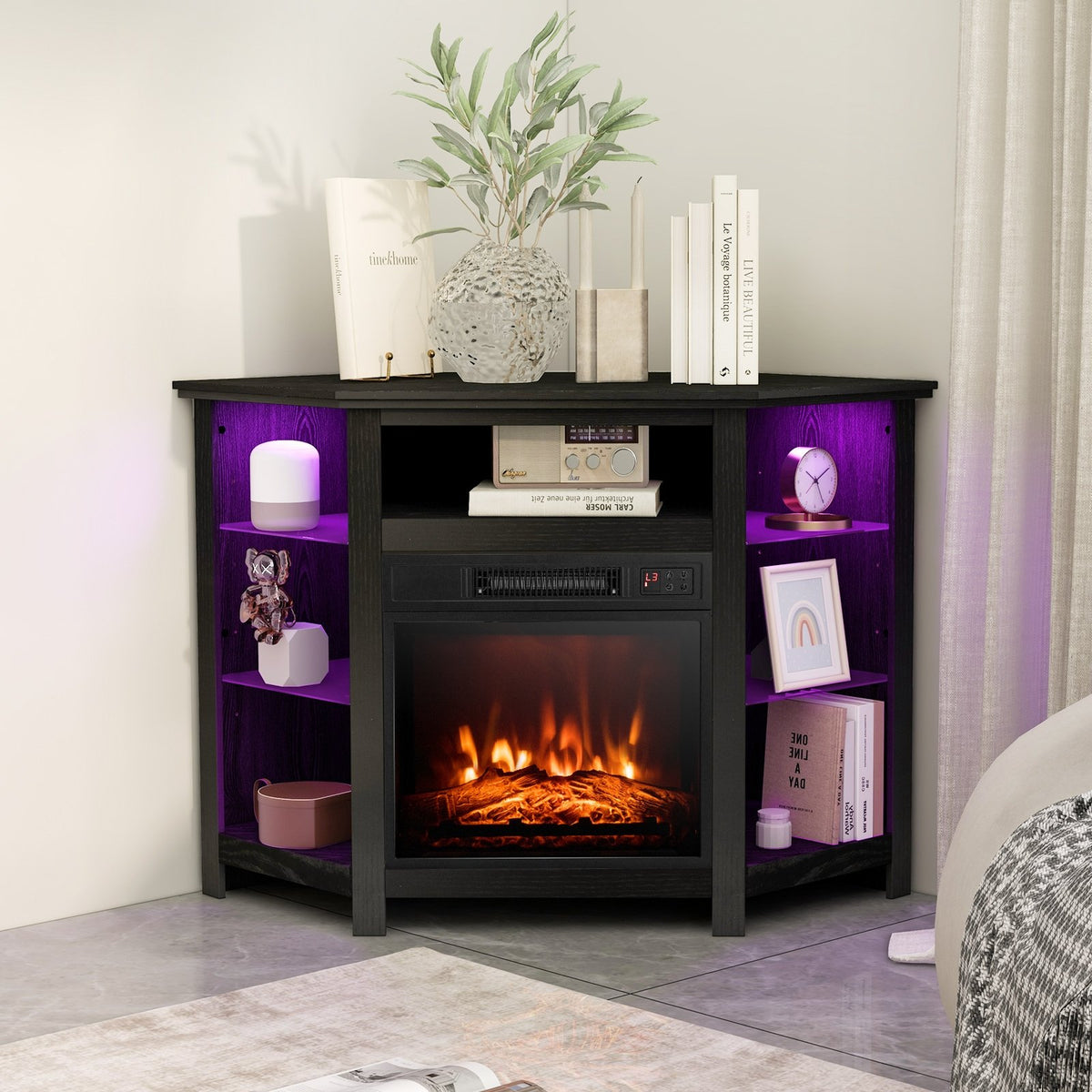
Fireplace Corner TV Stand with LED Lights and Smart APP Control for 50 Inches TV-Black

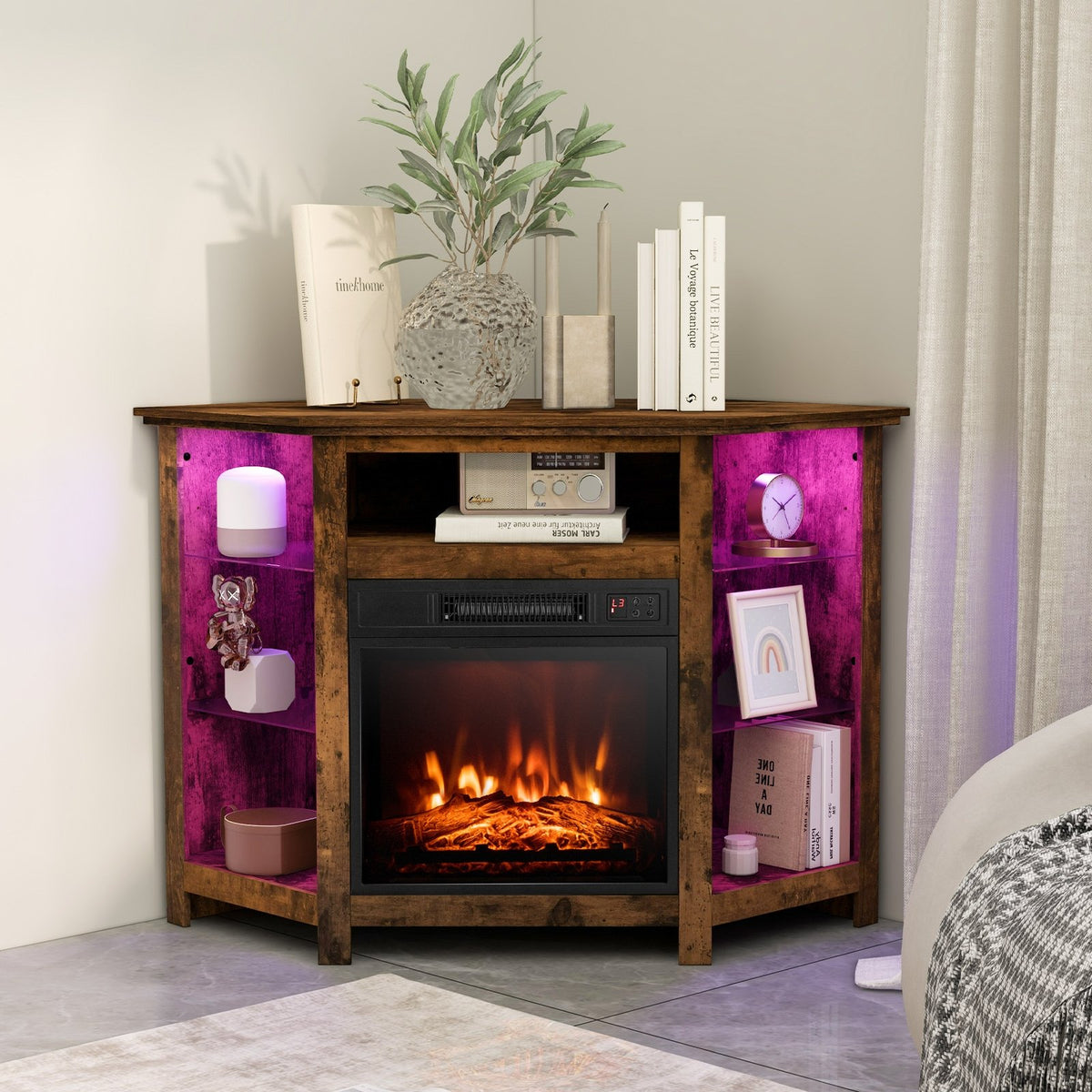
Fireplace Corner TV Stand with LED Lights and Smart APP Control for 50 Inches TV-Rustic Brown


TV Stand for TVs up to 70, with Glass Doors Cubbies and Drawer-White

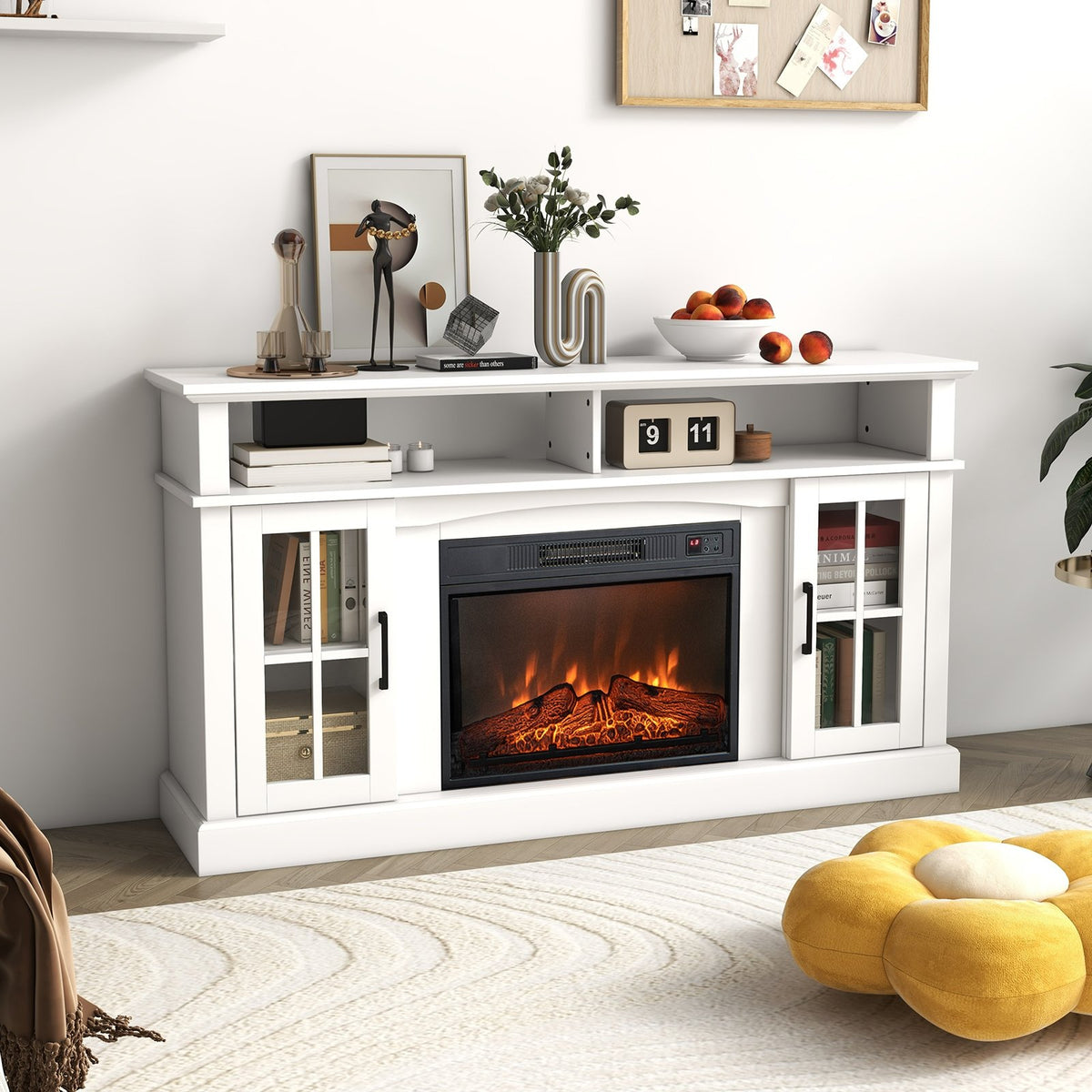
Fireplace TV Stand for TVs Up to 65 Inch with Side Cabinets and Remote Control-White

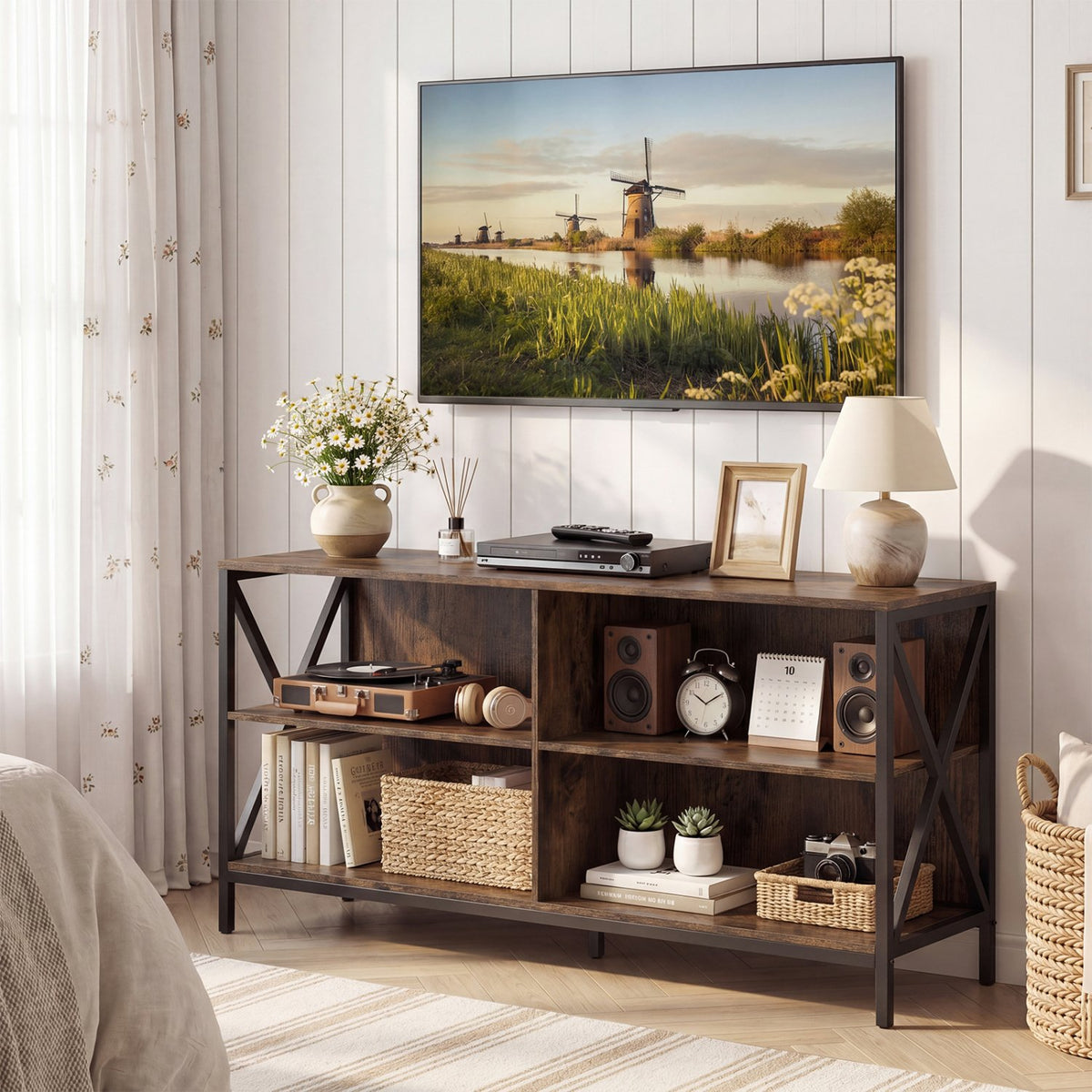
Wooden TV Stand Entertainment for TVs up to 55 Inch with X-Shaped Frame-Rustic Brown


Bamboo TV Stand for TV up to 65 Inch-Brown

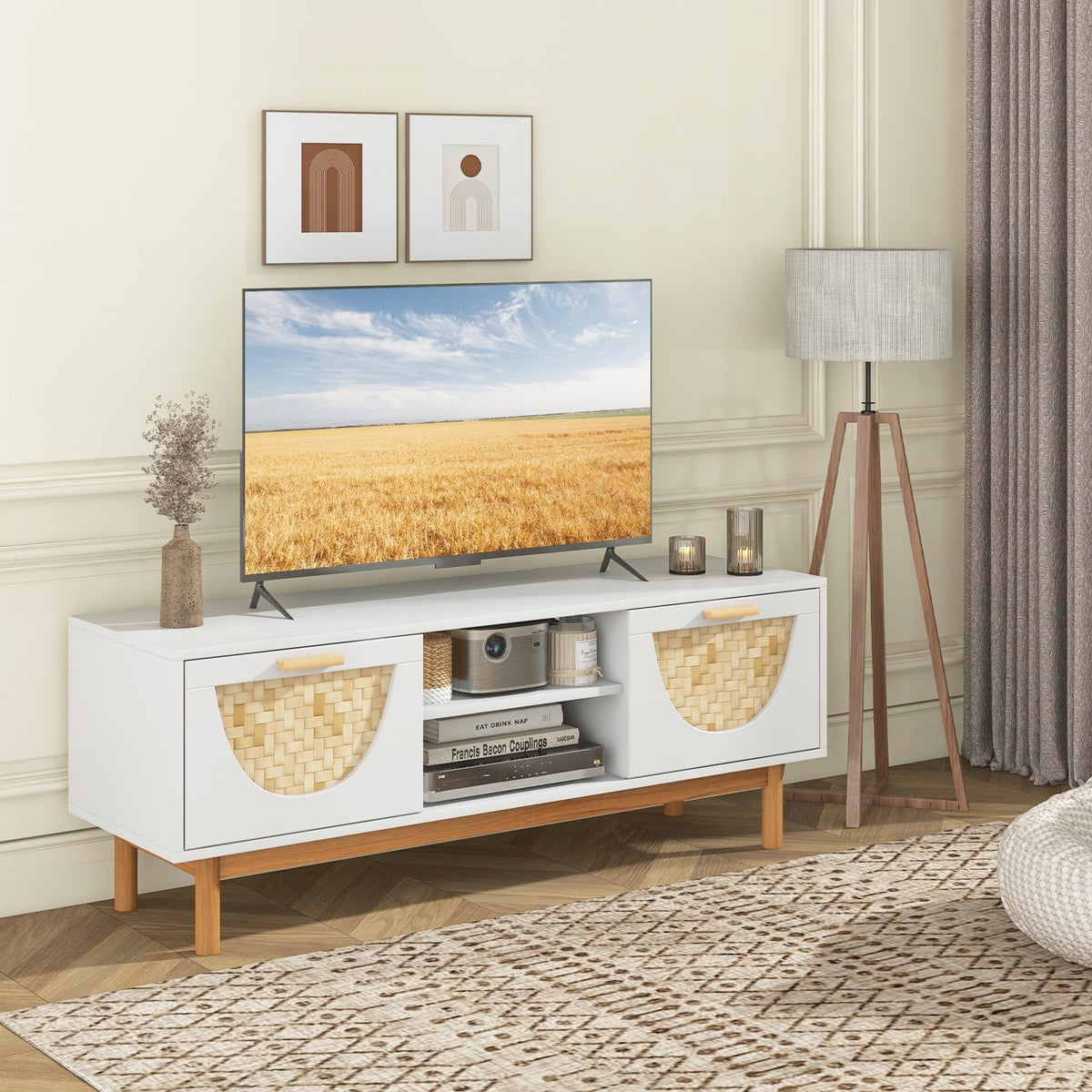
Mid Century Modern TV Stand Entertainment Center for 55-Inch TV with 2 Drawers and Bamboo Woven Fronts-White

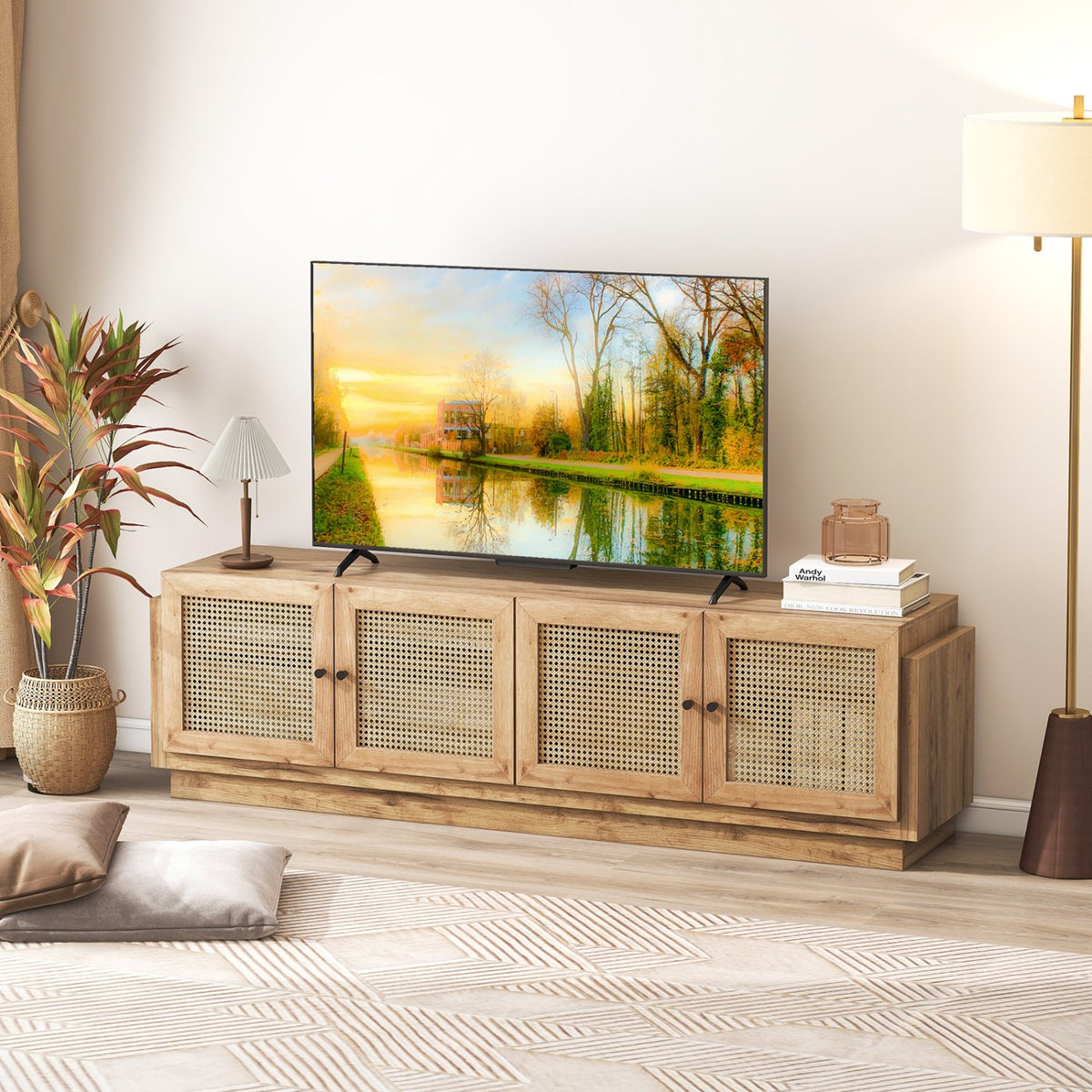
Farmhouse TV Stand for TVs up to 75 Inches with 2 Cabinets-Oak

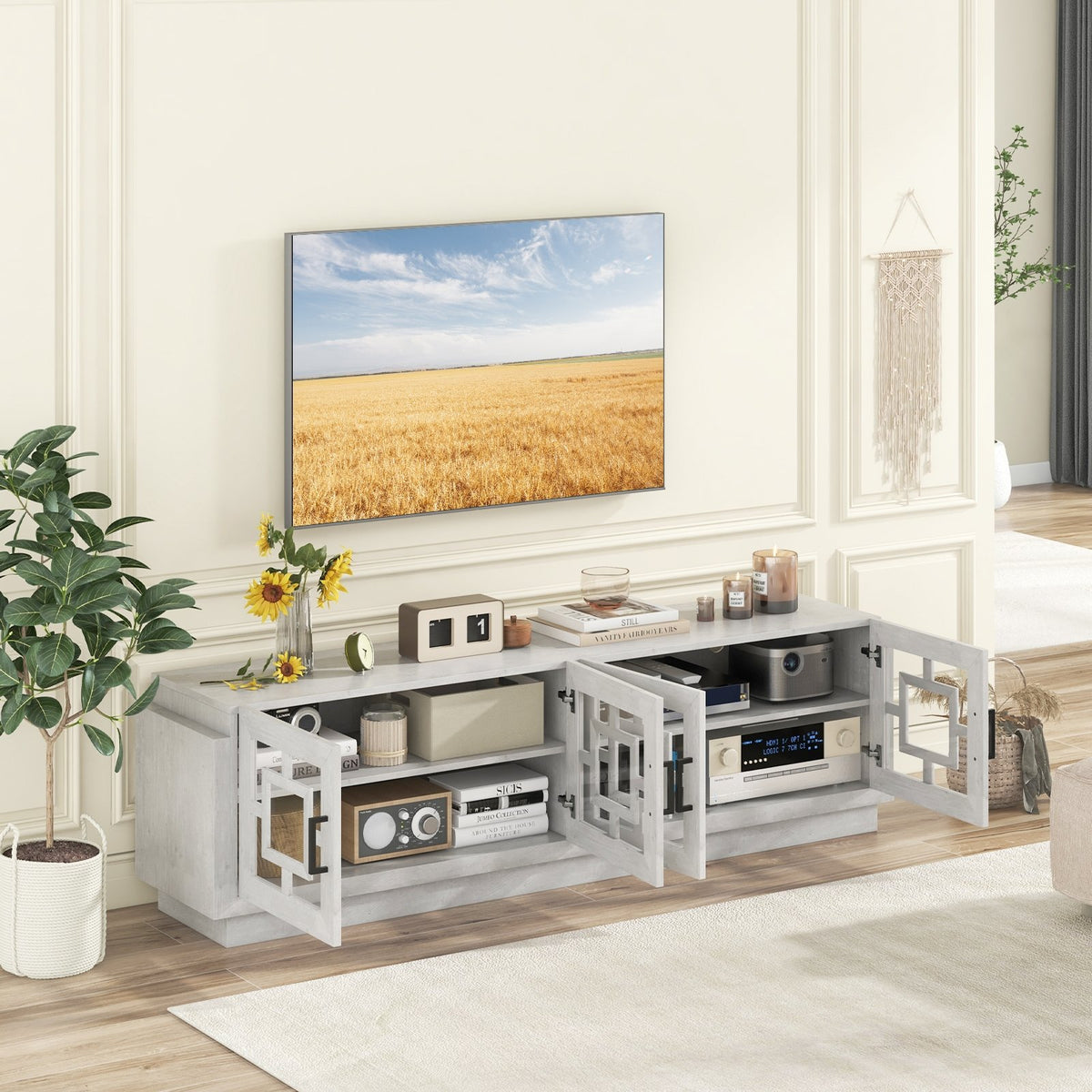
4-Door TV Stand for TVs up to 75 Inch Media Console Table with Adjustable Shelves-Oak

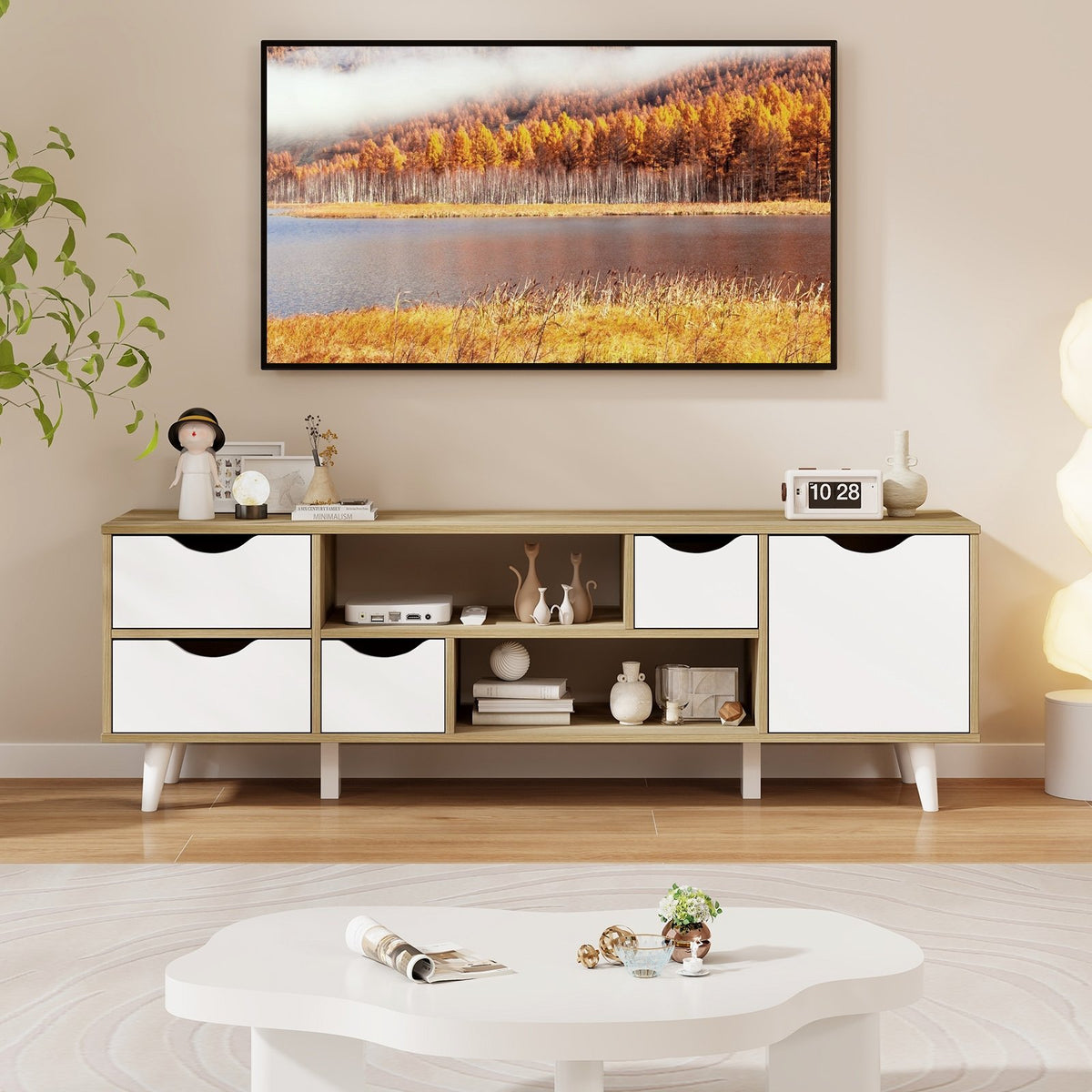
TV Stand for TVs up to 55” Television Cabinet w/ 4 Drawers & 2 Open Shelves-Oak

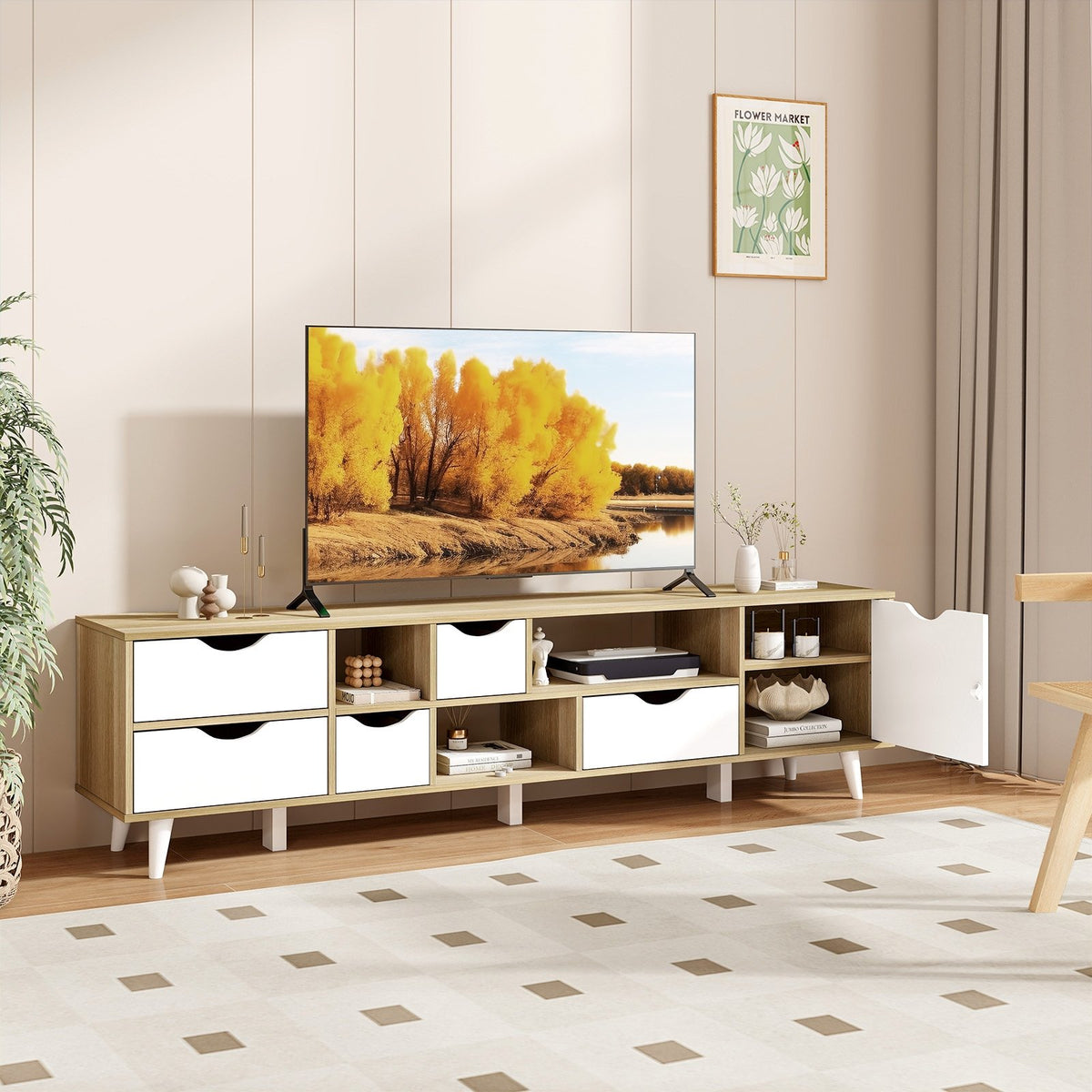
TV Stand for TVs up to 65” Television Cabinet w/ 5 Drawers & 3 Open Shelves-Oak


Industrial TV Stand up to 50 Inches with Power Outlets and USB Ports-Rustic Brown

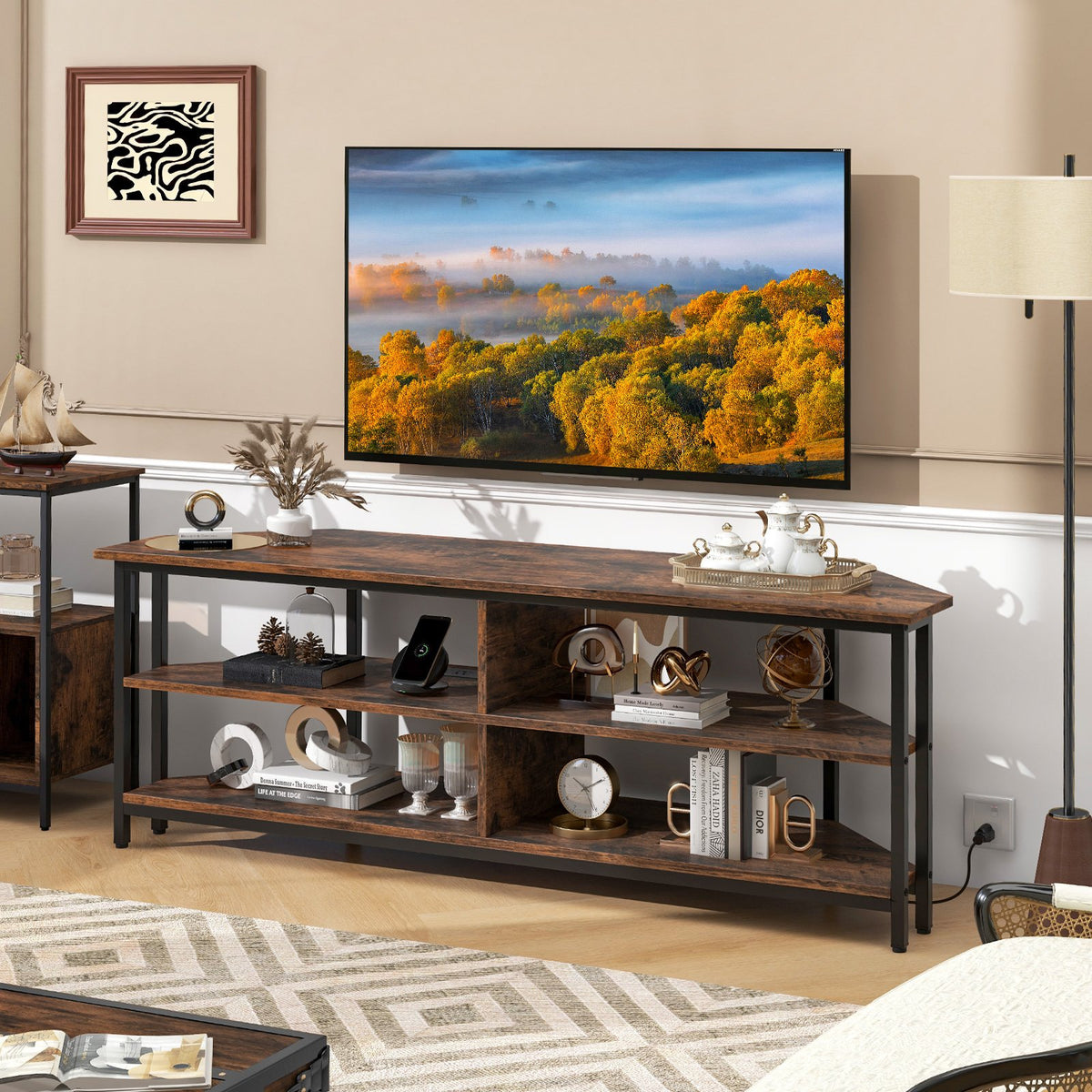
3-Tier Corner TV Stand for TVs up to 65 Inches with Charging Station- Rustic Brown
TV stands for living rooms, bedrooms and media rooms
Valuhub's TV stands collection gathers entertainment centers, consoles and floating units that hold your TV and media gear. The range covers screens from about 29 to 90 inches (74 to 229 cm).
Valuhub Canada stocks these units for living rooms, bedrooms and condos across the country. Pair a stand with coffee tables or other living room furniture to finish the room.
TV stands at a glance
Types of TV stands in this collection
Shoppers can sort the range by how a TV stand looks and what it stores. The table below compares the main types.
Entertainment centers with storage
An entertainment center is the largest group in this collection. It works as a TV stand with storage. It pairs a TV platform with cabinets, drawers and open shelves for consoles, speakers and media. Many have soft hinged doors, adjustable shelves and cable holes. Most are wood or engineered wood in white, brown or black. They suit rooms that need hidden storage.
LED lighted TV stand
A TV stand with LED lights adds a soft glow behind the screen and the shelves. Several models use RGB lights with a remote, and some add glass shelves, power outlets or USB charging. High gloss black and high gloss white finishes are common here. They suit gaming corners and modern living rooms.
Fireplace TV stand
A fireplace TV stand has a wide wood body made for a large screen. It adds storage doors and a warm look. Rated TV sizes and included parts vary, so check each product page before you order. They suit living rooms that want a focal point.
Farmhouse and industrial styles
Farmhouse and industrial units use sliding barn doors and distressed white or rustic brown finishes. Steel legs or frames are common. The doors hide boxes and cables and need little clearance in front. Many fit TVs from 50 to 65 inches (127 to 165 cm). They suit relaxed, lived in rooms and bedrooms.
Floating and wall mounted units
A floating TV stand mounts to the wall. The floor stays clear for cleaning, and small rooms feel larger. Several have flip down doors, open shelves and LED lights, and lengths reach about 71 inches (180 cm). Check your wall type and the listed weight rating first. They suit modern living rooms and apartments.
Mid century modern and Nordic styles
Mid century modern and Nordic designs use raised legs, walnut or oak tones and clean lines. Some include two cabinets with two open shelves, and others have curved sliding doors. Rubberwood or pine legs appear on some. They suit bright rooms where the stand should look like furniture, not electronics.
Check each product page for exact sizes, weight ratings and what is included.
How do you choose a TV stand?
Match the width
Choose a stand wider than the TV. A 65 inch TV is about 57 inches (145 cm) wide. Look for a stand of 60 to 72 inches (152 to 183 cm). The extra width keeps the set balanced.
Check the weight rating
Compare the TV weight with the rating on the product page. Include a soundbar and a console. A stand that carries the TV with room to spare stays steadier.
Set the screen height
Aim to have the centre of the screen near seated eye level. That is often about 100 cm (40 in) from the floor. A low stand usually puts a large TV at the right height.
Plan the storage
Count the boxes, consoles and speakers you own. Doors hide clutter, open shelves keep remotes close, and cable holes keep wires out of sight. Leave 5 cm (2 in) of space behind hot gear.
Where do TV stands work best?
TV stands work best in living rooms, where a wide entertainment center anchors the seating area. Pair it with coffee tables and console tables so the heights and finishes agree. A fireplace style stand adds a focal point, and electric fireplaces are worth a look for extra warmth.
In bedrooms and small condos, a floating or small TV stand saves floor space. A stand for TVs up to 50 inches (127 cm) usually fits a dresser wall. A corner TV stand or a slim TV cabinet frees up room in tight layouts.
In gaming and media rooms, an LED lighted stand with power outlets keeps consoles close to the screen. A media console with open shelves holds discs and remotes, and bookcases or storage cabinets nearby take spare gear.
How do you set up and care for a TV stand?
A TV stand needs a flat, level floor and a firm assembly. Tighten the hardware after the first month. Keep the TV near the centre of the top, and leave a small gap behind it for air. Wipe wood and high gloss finishes with a soft dry cloth, and use a lightly damp cloth for marks.
Shipping and returns: Free shipping on orders over $150. Delivery details show on each product page. Unused items can be returned within 14 days of delivery under our refund policy.
TV stands FAQs
What size TV stand do I need for a 65 inch TV?
A 65 inch TV needs a stand about 60 to 72 inches (152 to 183 cm) wide. The screen itself is about 57 inches (145 cm) wide. A wider stand keeps the TV balanced and leaves room for a soundbar or speakers on top.
How wide should a TV stand be?
A TV stand should be wider than the TV. Aim for 5 to 15 cm (2 to 6 in) extra on each side. Measure the TV feet too, because some sit wider than the screen. Check the usable top width on the product page.
What is the difference between a TV stand and an entertainment center?
A TV stand is a low unit that holds the TV and a few devices. An entertainment center adds more cabinets, drawers and shelves for media gear. Many products here carry both names, so compare the storage on each page.
Does a TV stand with LED lights need an outlet?
Yes. LED lighting needs power, and most units plug into a wall outlet through a small adapter. Some stands include built in power outlets or USB charging. Check the product page for what is included and where the cord exits.
How do you hide cables on a TV stand?
Feed wires through the cable holes in the back panel. Keep them in a power strip on a lower shelf. Many stands here have cable holes. Leave a small gap behind the unit so the devices get air flow.
Can you put a TV on a floating TV stand?
Yes, if the wall and the weight rating allow it. A floating TV stand mounts to studs or solid anchors. Check the listed weight rating against the TV, soundbar and console before you hang it, and follow the manual.
